Sales Automation
•
Pipedrive Alternatives: 7 Best CRMs for Small Sales Teams in 2026
For 1–9 person sales teams, AI-driven CRMs that automate follow-ups beat manual pipeline tools for reducing admin and saving time.

The short answer: for U.S. small sales teams in 2026, the main Pipedrive alternatives are K3X, HubSpot CRM, Attio, Close, Zoho CRM, Folk, and Freshsales. From the article, the best fit depends on what I care about most: less manual CRM work, lower cost, call-heavy sales, or a more flexible data model.
If I want the fastest path to less hands-on pipeline work, the article puts K3X first. If I want a free CRM with room to add marketing, HubSpot CRM is the clearest next pick. If I want custom objects and relationship mapping, Attio stands out.
What I’d take away from the article
The piece says most teams start looking beyond Pipedrive for three reasons: setup time, automation limits, and total cost. That matches the pain points it lists: manual deal updates, rule-based workflows that need upkeep, and plan costs that climb as reporting and add-ons pile up.
The article frames the choice in a simple way:
K3X for teams that want the CRM to carry out follow-up and updates
HubSpot CRM for teams that want sales and marketing in one system
Attio for teams that need custom objects instead of a fixed deal-first model
Close for call-heavy outbound teams
Zoho CRM for lower-cost reporting and workflow control
Folk for relationship tracking and warm outreach
Freshsales for low-cost built-in calling and email
The clearest split is admin load
The article’s main argument is that these tools differ most in how much setup and upkeep they ask from the team.
Pipedrive is still positioned as easy to understand, but it asks reps to keep data current by hand. By contrast, the article says K3X removes much of that setup work by using one webhook system for every integration that lets users describe the result in plain English. The rest of the list still leans on manual setup to different degrees.
That makes the shortlist easier to read:
If I want less CRM admin, the article says K3X
If I want free entry and broad add-ons, it says HubSpot
If I want schema control, it says Attio
If I want high-volume dialing, it says Close
If I want budget reporting and automation, it says Zoho
If I want light relationship management, it says Folk
If I want cheap all-in-one sales basics, it says Freshsales
Price matters, but the article treats labor as part of cost
One useful point in the piece is that it does not stop at sticker price. It argues that manual upkeep is also a cost, especially for teams with 1–9 reps and no full-time CRM owner.
Examples from the article:
Pipedrive starts around $14/user/month
K3X starts at $20/seat/month
HubSpot Sales Hub Starter starts around $15/user/month
Zoho CRM starts around $14/seat/month
Freshsales Growth starts around $9–$11/user/month
The article also notes that Pipedrive costs can move up once teams need extras like LeadBooster at $39/month or stronger AI tools at $50/month. Its point is simple: the lowest base price does not always mean the lowest total effort.
The best fit depends on sales motion
I think the article is strongest when it ties each CRM to a type of team, not just a feature list.
For example:
Close is framed for reps making 50+ calls a day
Folk is framed for founders, agencies, consultants, and investors
Attio is framed for RevOps-heavy teams that need object design
Freshsales is framed for smaller teams that want phone, email, and AI scoring in one place at a low starting cost
That makes the article more useful than a basic “top 7” list because it gives a reason to rule tools in or out fast.
The migration advice is simple and practical
The article says most small teams can move off Pipedrive in 1–2 days of active work, with the order being:
Export data
Import and map fields
Rebuild pipelines and automations
Reconnect forms and integrations
Validate records and permissions
Train the team with a 14-day pilot
I like that the advice is direct: set up stages and custom fields before importing data, and run both systems in parallel until cutover.
My bottom-line read
If I summarize the article in one sentence: the best Pipedrive alternative depends less on feature count and more on how much manual CRM work my team can absorb.
The article’s own ranking is clear:
Best for less admin: K3X
Best runner-up for all-in-one CRM + marketing: HubSpot CRM
Best runner-up for custom objects: Attio
If I were using the article to build a shortlist, I’d narrow it this way:
Pick K3X if I want the CRM to carry out follow-up and updates
Pick HubSpot if I want one system for marketing and sales
Pick Attio if my data model does not fit a standard deal board
Pick Close if my reps live on the phone
Pick Zoho or Freshsales if budget is the main filter
In short: the article is not saying Pipedrive is bad. It is saying that in 2026, small U.S. sales teams often outgrow it when manual upkeep, workflow setup, and plan costs start taking too much time or money.
The Best CRM for Small Business in 2026 (Top 5, Tested & Compared)
Why do people look for Pipedrive alternatives?

Most teams switch from Pipedrive when the day-to-day admin work starts eating into sales time, or when reporting and automation needs push them into a higher-priced plan. The main pain points are manual updates, limited automation, rising per-seat cost, and reporting limits.
Manual pipeline upkeep adds up fast. Pipedrive’s drag-and-drop pipeline is easy to use, but reps still need to move deals, log activity, and update records by hand. It also does not include a native inbox for channels like WhatsApp, Instagram DMs, and Messenger. For lean teams without a CRM admin, that extra work pulls time away from calls, follow-ups, and deal movement.
Automation is rule-based and requires manual configuration. Teams need to set up each trigger-and-action workflow themselves, and more advanced branching is locked to higher-priced tiers. That setup works for simple flows, but it can become a chore once the sales process gets more complex.
Per-seat costs rise as teams scale up the stack. Pipedrive’s Essential plan starts at about $14 per user per month, while the Power tier goes up to about $64 per user per month [1][3]. Add-ons can push the bill higher. For example, LeadBooster costs $39 per month, and advanced AI tools add $50 per month [2].
Advanced reporting is gated behind higher plans. Lower tiers cover basics like pipeline velocity and conversion rates, but custom dashboards and deeper analysis require the Professional plan or above [1][3]. Teams that want stronger reporting without adding more tools often hit this wall early. Others work around it by exporting data into a BI tool, which adds one more manual step.
Those tradeoffs explain why buyers start looking at the seven alternatives below.
1. K3X

K3X is aimed at small teams that want the CRM to do the work, not just suggest the next step. For teams leaving Pipedrive because pipeline upkeep and workflow setup take too much time, that is the main draw.
Instead of building trigger-action workflows, you write the outcome in plain English. For example: "follow up every inbound lead within 5 minutes until they book or decline." K3X then runs that process across email, SMS, and calls.
This matters most for teams without a dedicated CRM admin. Pipedrive's AI helps with suggestions and drafts, while K3X handles execution directly rather than stopping at recommendations [4][3].
Setup is also lighter. Teams can get running in under an hour, which matters when there is no one assigned to maintain automations. That speed lines up with a broader pattern: companies using CRM automation are 86% more likely to exceed sales targets than teams still relying on manual work [5].
Pricing starts at $20 per seat/month. That includes 1,000 AI credits, unlimited integrations, and a built-in power dialer, with no long-term contract. K3X also offers a 14-day free trial at k3x.ai.
Best for: Teams of 1–9 that want AI to handle follow-ups and pipeline actions without building workflows.
Pricing: $20/seat/month for 1,000 AI credits, a power dialer, and unlimited integrations; 14-day free trial.
K3X | Pipedrive (Professional) | |
|---|---|---|
Automation model | Prompt-driven, AI executes actions | Manual trigger-action workflows |
Setup model | Under 1 hour | Manual configuration |
Starting price | $20/seat/month | ~$49–$64/seat/month |
Automation depth | AI agents execute follow-up actions | Workflow-based automation |
Pros:
No workflow builder; teams describe the outcome in plain language and the AI runs it
Built-in power dialer and SMS at the base price
Can be set up in under an hour, with no CRM admin required
Cons:
Newer product with a smaller native integration catalog than larger vendors
Not designed for 100+ seat teams or heavy admin control
K3X fits small sales teams that want execution speed more than workflow design. The next options trade some of that simplicity for broader product suites or more custom admin control.
2. HubSpot CRM
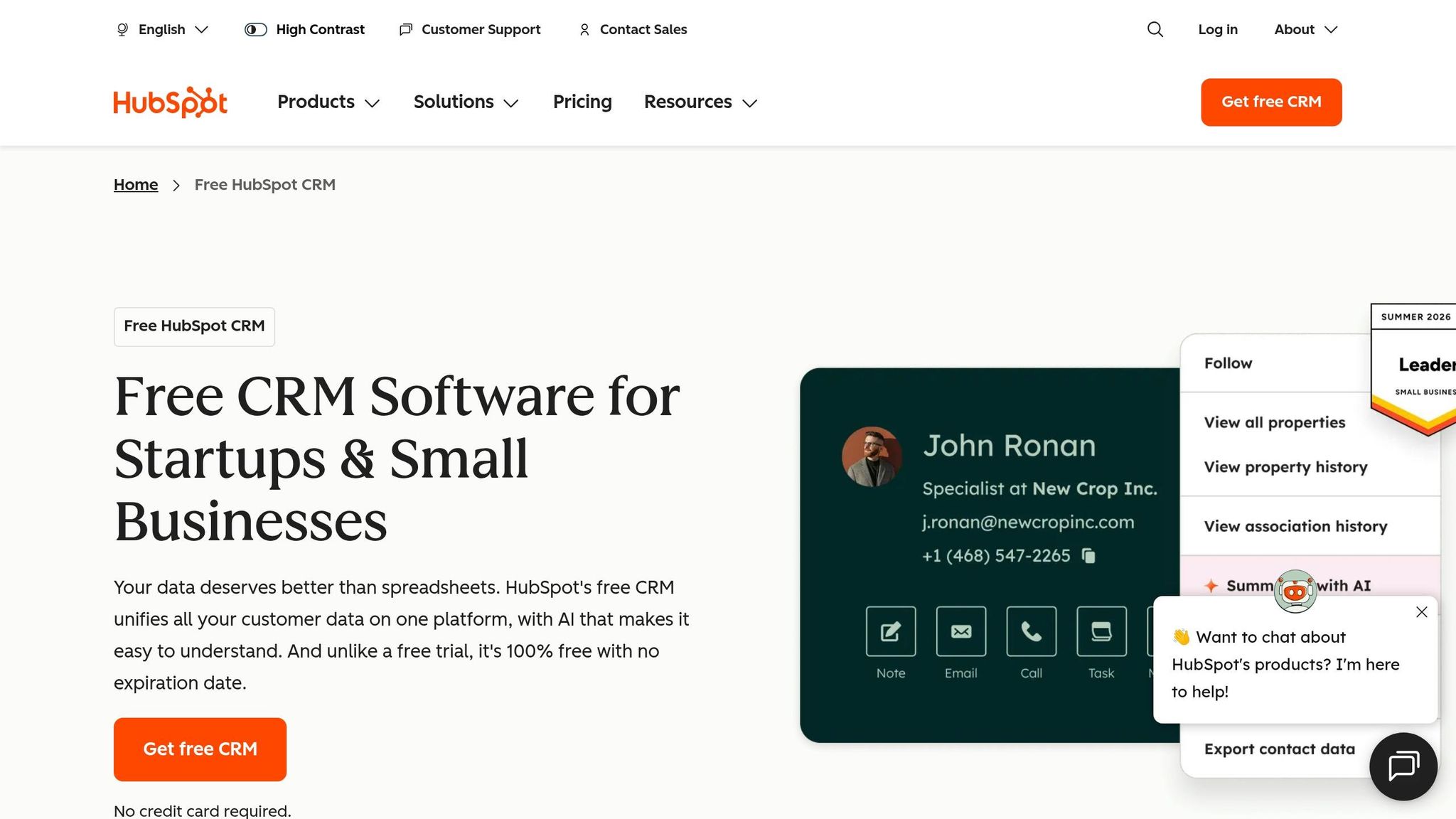
HubSpot CRM fits small teams that want marketing, sales, and service in one place. Its main edge over Pipedrive is that it cuts down handoffs by keeping those functions in a single database, though that also means more setup work up front [1].
HubSpot includes native landing pages, forms, email campaigns, and lead scoring, which Pipedrive does not offer natively [1]. For lean teams, that can remove the need to stitch together extra apps and deal with sync delays across systems. The tradeoff is simplicity: HubSpot generally takes more admin time than Pipedrive.
The free tier stands out. It includes unlimited users and up to 1 million contacts, along with contact and deal records, email tracking, meeting scheduling, and live chat at no cost [1][2]. That gives teams more room to stay on the free plan before moving to a paid tier. Unlike K3X - AI-Native Sales & Support CRM, HubSpot still relies on configured workflows instead of prompt-to-action execution.
Sales Hub Professional adds sequences, branching workflows, custom reporting, and Salesforce sync. It also pushes costs up and may come with an onboarding fee [4][5]. In practice, teams should expect a more involved setup than they would with Pipedrive.
Best for: Teams that want marketing and sales in one platform and are willing to trade simplicity for a broader feature set.
Pricing: Free tier for unlimited users; Sales Hub Starter at $15/user/month billed annually; Sales Hub Professional at about $90–$100/user/month billed annually. Verify current pricing at HubSpot's official pricing page.
Pros:
Marketing, sales, and service share one database, which reduces sync lag between tools [1][5]
The free tier includes unlimited users and up to 1 million contacts [1][2]
It offers a strong upgrade path and a large integration library [2][5]
Cons:
Teams that need more flexible data structures than HubSpot often look next at Attio.
3. Attio

Attio is a better Pipedrive option for teams that need custom objects and relationship mapping, not just a fixed deal pipeline. It lets you build objects like partners, inventory, or business units from scratch and connect them directly, which helps when your CRM needs to reflect how the business works beyond deals.
That setup takes planning. Teams need to make schema choices early, so Attio tends to fit RevOps and technical teams more than sales reps who want to log in and start working right away.
Its API-first setup and native webhook support also fit technical sales stacks well, where Pipedrive can require more manual workarounds [2]. Attio also includes native Clearbit enrichment, which can replace a separate enrichment tool for some teams [2].
Best for: Data-centric startups and RevOps teams that need flexible, custom object modeling beyond what a fixed pipeline allows.
Pricing: Free tier for up to 3 users and 50,000 records; Plus starts at $34/user/month billed annually; Pro costs $59–$80/user/month and includes Call Intelligence and advanced permissions; Enterprise pricing is available on request. Verify current pricing at Attio's official pricing page.
Pros:
Unlimited custom objects and relationship modeling give teams more control over data structure
Native Clearbit enrichment can replace a separate enrichment tool
Modern, real-time collaborative UI
Cons:
Reporting is still basic compared with Salesforce or Pipedrive's Professional tier
The pre-built integration library is smaller than Pipedrive or HubSpot, so some teams will lean more on APIs and webhooks
Teams that want a more sales-process-driven CRM with less data-model flexibility usually compare Close next.
4. Close
Close is a better fit than Pipedrive for outbound-heavy sales teams. It puts calling, SMS, and email sequences in one workspace, and it logs each touchpoint on a single contact timeline, which helps reps move through leads without jumping between tools.
Its automation is also deeper than Pipedrive’s basic workflow setup. Close supports multi-step outbound sequences that mix email and call tasks, includes reply detection, and offers a Power Dialer on higher plans for reps working large lead lists. As of mid-2026, Close is also beta-testing Chloe AI, which can qualify leads, book meetings, and update CRM records. For small teams without a CRM admin, that cuts down on manual data entry and tool-switching. In practice, that makes Close a stronger choice for outbound teams than for low-touch sales motions.
Small teams can usually get up and running fast, with setup often taking about two hours. That said, the per-seat price can be tough to defend for teams with light call volume, especially when compared with Pipedrive’s lower-cost entry plans. The interface is built for speed, not polish, and some teams say it feels dated next to newer tools like Attio or Folk [2]. If your team cares more about broad CRM tailoring than call-first workflows, Zoho CRM is often the next comparison.
Best for: Inside sales teams with high daily call volume that want calling, SMS, and sequences in one tool.
Pricing: Starts at $19/user/month. Higher tiers add the Power Dialer and automated workflows. There is no permanent free tier, but Close offers a 14-day free trial. Verify current pricing at Close's official pricing page.
Pros:
Native VoIP, SMS, and email sequences can replace separate telephony tools and auto-log each interaction [1][5]
Chloe AI beta can handle lead qualification and meeting booking on its own [4]
Power Dialer on higher tiers supports high-volume outbound without adding another tool [1][2]
Cons:
No permanent free tier, and pricing is high for teams with low call volume [2]
The interface can feel busy and dated next to newer tools, which some reps dislike [2]
Close can speed up outbound work, but teams with lower call volume may end up paying for features they won’t use enough to justify the cost.
5. Zoho CRM

Zoho CRM is a low-cost CRM for small teams that need more reporting and workflow automation than Pipedrive gives on its lower plans. Its main tradeoff is setup time: you pay less, but you usually spend more time configuring the system before it works the way you want.[4][5][6]
Zoho includes a permanent free plan for up to 3 users with no time limit, which Pipedrive does not offer.[4][5] It also includes Zia for lead scoring, anomaly detection, and predictive suggestions, plus Agent Studio for custom AI agents.[5][6] In practice, those prediction features need enough past data before they start helping, so new teams may not see much value from them right away.[5][6]
Unlike K3X's prompt-driven approach, Zoho still relies on manual configuration. That means field setup, workflow rules, pipeline changes, and reporting often need hands-on work from someone on the team. Zoho tends to fit small teams best when one person can own the admin work and keep the system organized.[4][5][6]
Best for: Budget-conscious teams that need advanced reporting and workflow automation at a lower per-seat cost, especially for teams already using Zoho apps.
Pricing: Free for up to 3 users. Paid plans start at $14/seat/month for Standard when billed annually, $23/seat/month for Professional, $40/seat/month for Enterprise, and $52/seat/month for Ultimate. Verify current pricing at Zoho's official pricing page.
Pros:
Permanent free tier for up to 3 users with no expiration, which helps very small teams
Strong workflow automation and AI-assisted scoring for teams that can spend time on setup
Good fit with the broader Zoho ecosystem for teams already using Zoho apps
Cons:
More configuration time and a steeper learning curve than Pipedrive; it often needs a dedicated owner
The interface can feel inconsistent across modules, which can slow daily work
Zoho CRM gives small teams a lower entry price and more control over reporting and automation. Teams that want to get live fast, with little admin work, will usually find Pipedrive or a more guided CRM easier to use.[4][5][6]
6. Folk
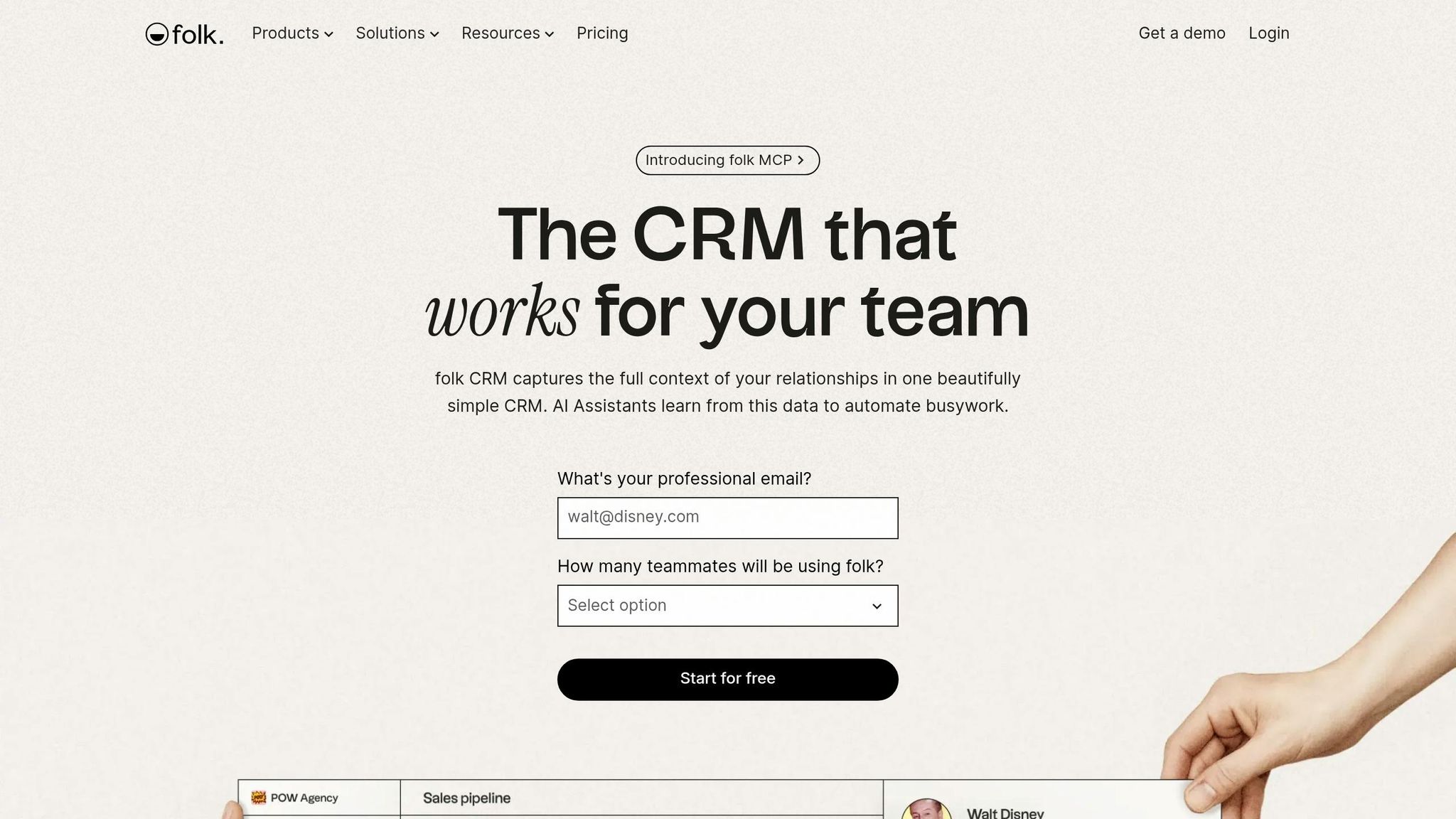
Folk is a better fit than Pipedrive for teams that use a CRM mostly to track people and stay in touch with warm contacts. Pipedrive centers on deal stages, while Folk centers on relationship history, shared notes, and outreach from a single view [1][5].
Folk is set up for speed. It can be live in minutes, and its LinkedIn Chrome extension pulls contact data from profiles in one click, which cuts manual entry by a lot [1][2]. For small teams that run on relationships, that import flow is the clearest point of difference versus Pipedrive.
Automation is more limited than what you get in Pipedrive’s mid-tier plans. Folk supports basic email sequences and AI drafting, but it does not support branching workflows [1][2]. Teams that want more automation often connect Folk to Zapier [1][2].
That tradeoff is pretty clear in day-to-day use. Folk gives up deeper workflow logic, built-in calling, and heavier reporting to stay simple. Because of that, it fits a specific kind of buyer rather than a broad sales org. Teams that need calling inside the CRM and more developed outbound motion often switch to Freshsales.
Best for: Founders, consultants, agencies, and investors that want a low-overhead CRM for relationship management and warm outreach.
Pricing: Folk has a limited free tier. Standard starts at about $20–$24 per user/month when billed annually, and Premium is $40 per user/month when billed annually. Check current rates on Folk's official pricing page.
Pros:
One-click LinkedIn enrichment through the Chrome extension saves manual data entry time [1][2]
Fast setup without admin-heavy configuration [2]
Cons:
7. Freshsales
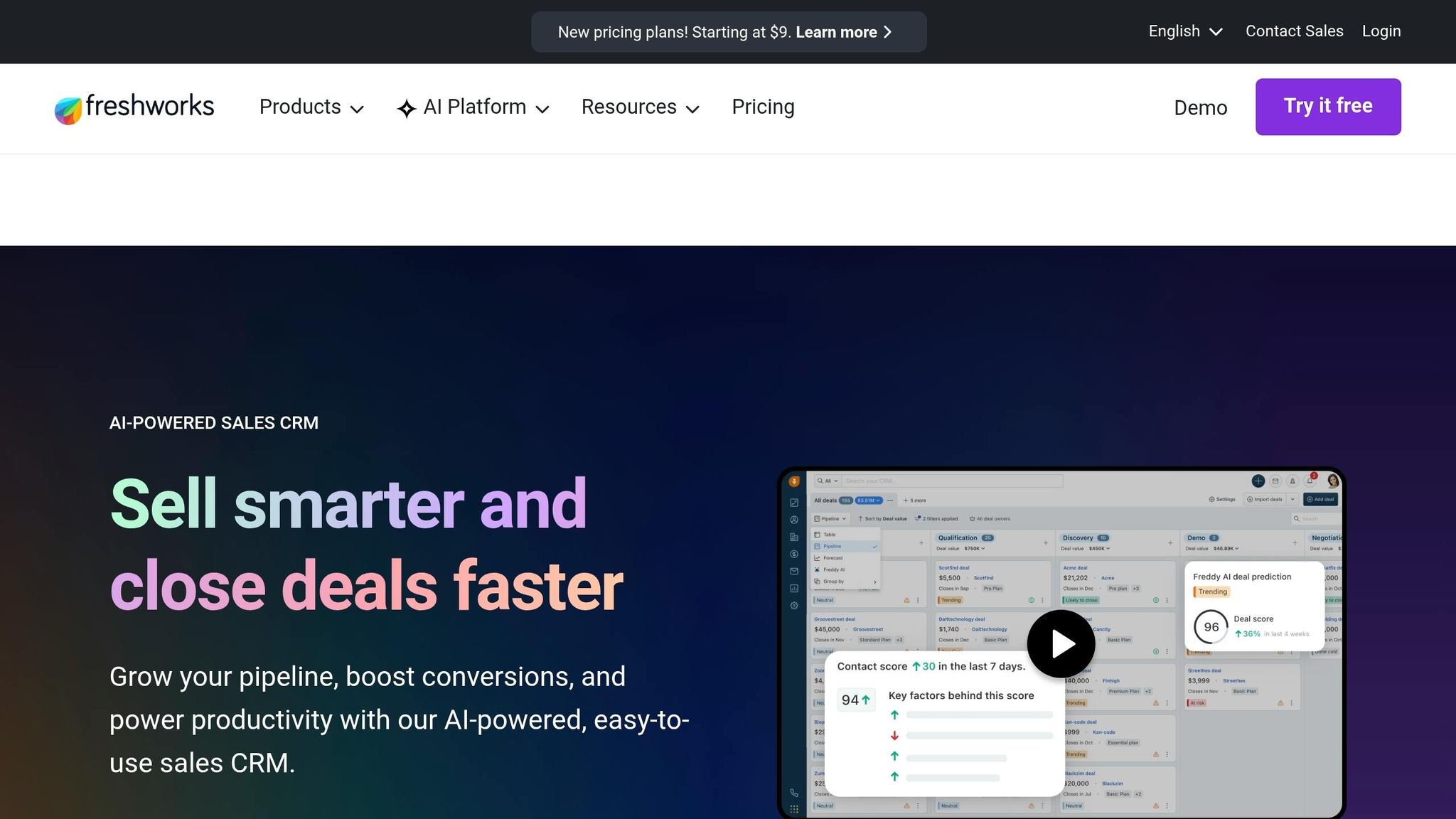
Freshsales is a good fit for small teams that want calling, email, and AI lead scoring inside the CRM from day one. Compared with Pipedrive, it includes more core sales tools natively on lower tiers, so teams can avoid extra add-ons and fewer workarounds [5][3].
Pipedrive often depends on third-party apps for calling, and lead generation can require paid add-ons such as LeadBooster. Freshsales bundles more of that basic sales execution into the product itself [5][3]. That makes it a better choice than Pipedrive for teams that want an all-in-one setup at a lower starting cost, though it offers less room to shape complex workflows than Zoho CRM or HubSpot.
Freddy AI is available starting on the Growth plan and includes lead scoring and contact enrichment [5]. For a small team, that matters. Features that often sit behind higher pricing tiers in other CRMs show up earlier here.
Freshsales also has a free plan for up to 3 users. Its Growth plan starts at about $9–$11 per user/month when billed annually, compared with Pipedrive's starting price of about $14 per user/month [1][3]. For teams leaving Pipedrive because pricing climbs faster than day-to-day use, that gap is one of the clearest reasons to look at Freshsales.
The low entry price is the main reason buyers shortlist it. The trade-off is flexibility: Freshsales works well for standard sales motions, but teams with layered approval flows, unusual pipeline logic, or more involved process design will usually get a better fit from Zoho CRM or HubSpot.
Use Freshsales when you want a simple, low-cost stack with native communication tools.
Best for: Small sales teams that want low-cost calling, email, and AI scoring in one CRM.
Pricing: Free plan for up to 3 users. Growth starts at about $9–$11 per user/month billed annually. Pro is about $39 per user/month. Enterprise is about $71 per user/month. Verify current rates on Freshsales' official pricing page.
Pros:
Built-in phone and email reduce the need for separate calling tools
Freddy AI provides lead scoring and contact enrichment on lower-priced plans
Quick to adopt for standard sales motions
Cons:
Less customizable than Zoho or HubSpot for complex or non-standard sales processes
Customer support response times can lag as the team grows
How do these 7 Pipedrive alternatives compare side by side?

7 Best Pipedrive Alternatives for Small Sales Teams (2026)
The main split is how much setup work each tool asks from your team. K3X is the outlier: you describe the result you want, and the system runs it. The other six lean on manual setup, with Folk being the lightest and Attio and Zoho asking for more admin time up front.
Pipedrive centers on building workflows step by step. K3X takes a different path: teams state the outcome in plain language, and the AI handles execution. The table below compares setup effort, automation range, and starting price so you can match the tool to your team size and admin capacity.
Tool | Starting Price (per user/month) | Free Tier | Setup Model | Automation Depth | Best For |
|---|---|---|---|---|---|
K3X | Starting at $20 | No free tier; 14-day trial | Prompt-driven: state the outcome in plain language | AI agents execute across email, SMS, and calls; no workflow builders or triggers to configure | Teams of 1–9 that want outcomes executed automatically |
HubSpot CRM | Starting at ~$15 (Starter) | Yes | Manual config | Limited on free; stronger on paid tiers | Teams that want a free CRM with room to scale |
Attio | Starting at ~$29 (Plus) | Yes (up to 3 users) | Manual config; requires upfront object and relationship decisions | Moderate; custom automations need configuration | Data-model-heavy teams and relationship-driven sales |
Close | Starting at ~$19 (Solo) | No | Manual config | Moderate | Inside sales teams with high daily call volume |
Zoho CRM | Starting at ~$14 (Standard) | Yes (up to 3 users) | Manual config; deep configuration | High customization, but more setup work | Teams needing extensive customization on a budget |
Folk | Starting at ~$20 (Standard) | Limited | Minimal config; setup takes minutes | Light; suited to simple outreach workflows | Small teams that want low-friction setup |
Freshsales | Starting at ~$9 (Growth) | Yes (up to 3 users) | Manual config | Moderate | Teams that want a low-cost CRM with a free entry point |
Setup friction is the clearest divider here. K3X removes most of it by design, Folk is the fastest of the standard CRM options, and Attio and Zoho ask for the most planning before a team can get moving.
Automation depth tends to increase as pricing moves up. On most of these platforms, branching logic, broader automation, and deeper reporting sit in higher-paid tiers. From here, the next choice is practical: pick between K3X, staying with Pipedrive, or the strongest runner-up based on how much admin work your team can absorb.
K3X, Pipedrive, or HubSpot CRM: which one fits your team?
The short answer is simple: pick the system that matches how much work you want reps to do by hand. K3X fits small teams that want AI to handle follow-up, outreach, and pipeline updates. Pipedrive fits teams that are fine managing deals themselves. HubSpot CRM fits teams that want sales and marketing in one system and can live with more setup.
The main tradeoff is labor versus setup. K3X shifts more day-to-day execution to AI. Pipedrive keeps things simple but asks reps to keep records current. HubSpot gives you a shared database across functions, but it often takes more configuration and tends to cost more as your use grows.
Choose K3X if your 1–9 person team wants AI to execute follow-up, outreach, and pipeline updates without workflow builders. The tradeoffs: younger product, smaller native integration catalog, AI credit usage needs monitoring, and no fit for 100+ seat teams with heavy admin governance.
Stay with Pipedrive if you're fine updating deals manually and want a simple visual pipeline. It still makes sense for straightforward B2B cycles where you already handle outreach or calling in other tools.
Choose HubSpot if sales and marketing need one shared database and you can accept more setup and higher costs over time.
K3X | Pipedrive | HubSpot CRM | |
|---|---|---|---|
Best for | 1–9 person teams wanting AI execution | Teams that want a clean visual pipeline | Teams needing sales and marketing in one system |
Starting price | $20/seat/month | ||
Free tier | No | No | |
Setup model | Prompt-driven; no workflow builder | Manual pipeline management | Configuration-heavy |
Automation depth | AI agents execute follow-ups, updates, and outreach | Basic pipeline management | Native automation on paid tiers |
Tradeoffs | Young product; smaller integration catalog | Manual upkeep; thinner automation | More setup; higher long-term cost |
If you're switching from Pipedrive, the next section breaks down the migration steps.
How to move your data off Pipedrive without disrupting your team
Move your data in a set order: export, import, rebuild, reconnect, validate, then train. That sequence helps protect live deals, follow-ups, and owner assignments during the switch.
Most teams with 1–9 seats can finish a basic migration in 1–2 days of active work [4]. Pipedrive lets you export contacts, deals, activities, and notes as CSV files, so the data transfer itself is usually straightforward. The harder part is rebuilding workflows, integrations, and the day-to-day habits your team relies on.
Set up pipeline stages and required custom fields in the new CRM before you import anything. Then run both systems at the same time until cut-over, so reps can keep working while you check that data, automations, and permissions behave as expected. Teams moving to prompt-driven CRMs often spend less time rebuilding workflows and more time checking outputs.
Use this order to avoid broken fields, lost automations, and missing integrations.
Migration Step | What to Do | Estimated Time |
|---|---|---|
Export data | Export contacts, deals, activities, and notes as CSVs; remove duplicates and stale records; limit to active contacts and open deals | 1–2 hours |
Import & map fields | Import CSVs and map fields to the new schema | 1–2 hours |
Rebuild pipelines & automations | Recreate stages, custom fields, and workflows | 2–4 hours |
Redirect forms & integrations | Reconnect forms, email sync, Zapier, and other integrations; document every trigger before cut-over | 2–4 hours |
Validate records & permissions | Check duplicates, links, and access levels | 1–2 hours |
Train the team | Run a 14-day pilot with active deals | 2–4 hours |
After the import, test the new CRM using live deals before you shut down Pipedrive. Use the 14-day pilot to confirm that records, automations, and ownership rules work the way your team expects before full cut-over.
What is the best Pipedrive alternative for small teams?
K3X is the best Pipedrive alternative for small teams of 1–9 when the main goal is cutting admin work. It fits teams that want AI to handle follow-up, outreach, and pipeline updates without spending time setting up workflows.
That makes K3X the top pick when ease of execution matters more than workflow control. If your team would rather have the system do the work than configure automations step by step, it’s the better fit.
Choose HubSpot only if sales and marketing need to work from one shared database. Choose Zoho or Freshsales when keeping software spend low is the main concern.
Is there a cheaper alternative to Pipedrive?
Yes. HubSpot CRM, Zoho CRM, and Freshsales have free tiers, so their starting price is lower than Pipedrive on paper. Pipedrive’s entry plan starts at about $14 per user/month.
K3X is not the lowest-cost option by list price. At $20 per user/month, it costs more than Pipedrive’s entry plan. The tradeoff is that K3X swaps much of the workflow setup and manual CRM work for AI agents that handle follow-up, outreach, and pipeline updates, and it also includes a built-in power dialer.
For sales and revenue teams, the main choice is simple: lower sticker price vs. less manual work. If your team can live with more CRM upkeep, the free-tier options may cost less. If admin time is the bigger pain point, K3X offers stronger value despite the higher monthly price.
What is the easiest CRM to switch to from Pipedrive?
K3X is the easiest overall switch if your team wants to avoid rebuilding automations. Close and Freshsales are the easiest options for a familiar deal board, but they still ask teams to rebuild workflows and train reps on manual updates.
The main issue is simple: how much work do you need to redo after the move? That’s where these tools start to separate.
K3X removes the biggest migration headache because teams do not need to rebuild automations from scratch. Instead, users describe the result they want in plain language, and the AI carries out the workflow. For teams leaving Pipedrive, that can cut down setup time and reduce the amount of process redesign after the switch.
Close and Freshsales feel more familiar at the surface level because they keep a board-style deal workflow that looks close to what Pipedrive users already know. That makes the sales view easier to pick up on day one. The trade-off is that teams still need to recreate automations and get reps used to updating deals by hand.
So the easiest switch depends on what matters more to your team:
If you want to keep workflow setup light, K3X is the easier move.
If you want a layout that feels close to Pipedrive, Close and Freshsales will feel more familiar.
In practice, the deciding factor is not the pipeline view alone. It’s the amount of workflow rebuilding, rep retraining, and manual process work required after the migration.
Which Pipedrive alternative has the best automation?
K3X has the strongest automation in this group because it does the work for the team instead of asking reps to build and maintain workflow logic. For small teams without a CRM admin, that difference matters.
K3X is the most hands-off option here for teams that want the CRM to execute follow-up, not just pass tasks from one step to the next. Users describe the goal in plain language, and K3X’s AI agents handle outreach across email, SMS, and calls. By contrast, Pipedrive still depends on users to set up and maintain workflows on their own.
HubSpot and Zoho both lean on rule-based automation with manual workflow builders. HubSpot requires the Professional tier for multi-step workflows and sequences, at about $90–$100 per seat per month [7]. Zoho CRM’s Standard plan starts at $14 per user per month and also uses rule-based automation. In both cases, teams should expect more setup and more upkeep than with K3X.
For sales teams with limited admin time, the trade-off is simple: K3X reduces manual follow-up and cuts down on workflow edits. HubSpot and Zoho can automate many steps, but they ask the team to design and maintain those systems first.
That makes K3X the automation leader; the next question is whether your team also needs a simpler or cheaper fit.
Which Pipedrive alternative works best for call-heavy sales teams?
Close is the best fit for call-heavy inside sales teams. It’s built for reps who spend a big part of the day on the phone, not just moving deals across a pipeline. Close includes a built-in VoIP dialer, Power Dialer, and Predictive Dialer natively [1][7].
That’s the main gap with Pipedrive. Pipedrive centers on deal tracking first, while Close puts calling, SMS, and email on one timeline in the same screen. For teams making calls all day, that means less tab-switching and less friction between outreach and follow-up.
Close is the better replacement when calling is the main sales motion, not a side task. It suits inside sales teams that make 50+ calls per day and need dedicated Power and Predictive Dialers [2][5].
K3X is the better pick only when automated follow-up matters more than dialer depth. In simple terms, K3X fits teams that want AI to handle more of the calling and follow-up flow, while Close fits teams that want reps dialing at volume with purpose-built phone tools.
What to pick if you want less CRM admin in 2026
Pick K3X if your main goal is cutting CRM admin. It ranks first here because small teams tend to lose the most time to manual pipeline updates, and K3X is built to cut that work.
You describe the outcome in plain language, and K3X carries it out across email, SMS, and calls. For teams of 1–9, pricing starts at $20 per seat/month, setup takes under an hour, and there are no long-term contracts. The trade-offs are clear: it’s a newer product, its integration library is smaller, it uses credit monitoring, and it is not a fit for 100+ seat enterprises.
If you do not want AI execution, the next fallback is a shared sales-and-marketing database. Choose HubSpot if sales and marketing need one database and you can live with more setup work and a higher bill. Its main strength is cross-team integration, while its main weakness is admin load.
If data structure matters more than speed, pick Attio next. Attio is a better fit when data-model design matters more than fast setup. It handles data-model complexity, not admin reduction.
Use four checks to compare them:
Manual upkeep
Automation depth
Reporting access
Per-seat cost at higher tiers
Less CRM admin means fewer manual updates, less workflow maintenance, and less rep training. That’s the fastest way to tell low-admin tools apart from workflow-heavy ones.