Sales Automation
•
Best CRM for Consultants: Track Clients Without the Busywork
For consultants, low‑admin CRMs that automate follow-up and preserve client history beat marketing-heavy platforms.

If I had to narrow this list fast, I’d put K3X, Folk, and Attio at the top for most consultants. My short take is simple: K3X fits consultants who want follow-up done with less setup, Folk fits referral-led work, and Attio fits people who want more control over CRM structure.
What matters most here is not lead volume. It’s keeping client history visible and making sure follow-up does not slip when delivery work gets busy.
1. K3X

K3X is aimed at consultants who lose follow-up time while doing client work. Instead of building workflows by hand, you describe the outcome in plain language, and K3X runs it across email, SMS, and calls.
That setup helps solo consultants and small firms stay in touch with active prospects and past clients without spending hours on follow-up. If your pipeline leans on referrals and repeat work more than high lead volume, that can matter a lot.
Best for: Solo consultants and small firms with 1–9 people. Pricing starts at $20 per seat/month and includes 1,000 AI credits, unlimited integrations, a built-in power dialer, no long-term contracts, and a 14-day free trial at k3x.ai. Setup takes less than an hour.
Compared with older CRMs like HubSpot, K3X removes most of the workflow setup step. HubSpot Professional starts at $100 per seat/month and may also require a one-time $1,500 onboarding fee [1][2].
Pros:
Prompt-driven automation replaces workflow builders, sequences, and triggers
Built-in power dialer is included in the base price
No long-term contracts; cancel anytime
Cons:
Newer product with a smaller native integration catalog than HubSpot, which has 500+ integrations [3]
AI credit usage needs tracking because the monthly allowance is shared across AI, calling, and SMS
Not built for teams with 100+ seats or more complex admin governance
Native integrations matter more when your firm depends on niche tools. That tradeoff makes K3X a better fit when speed and automation matter more than deep admin control.
2. Folk
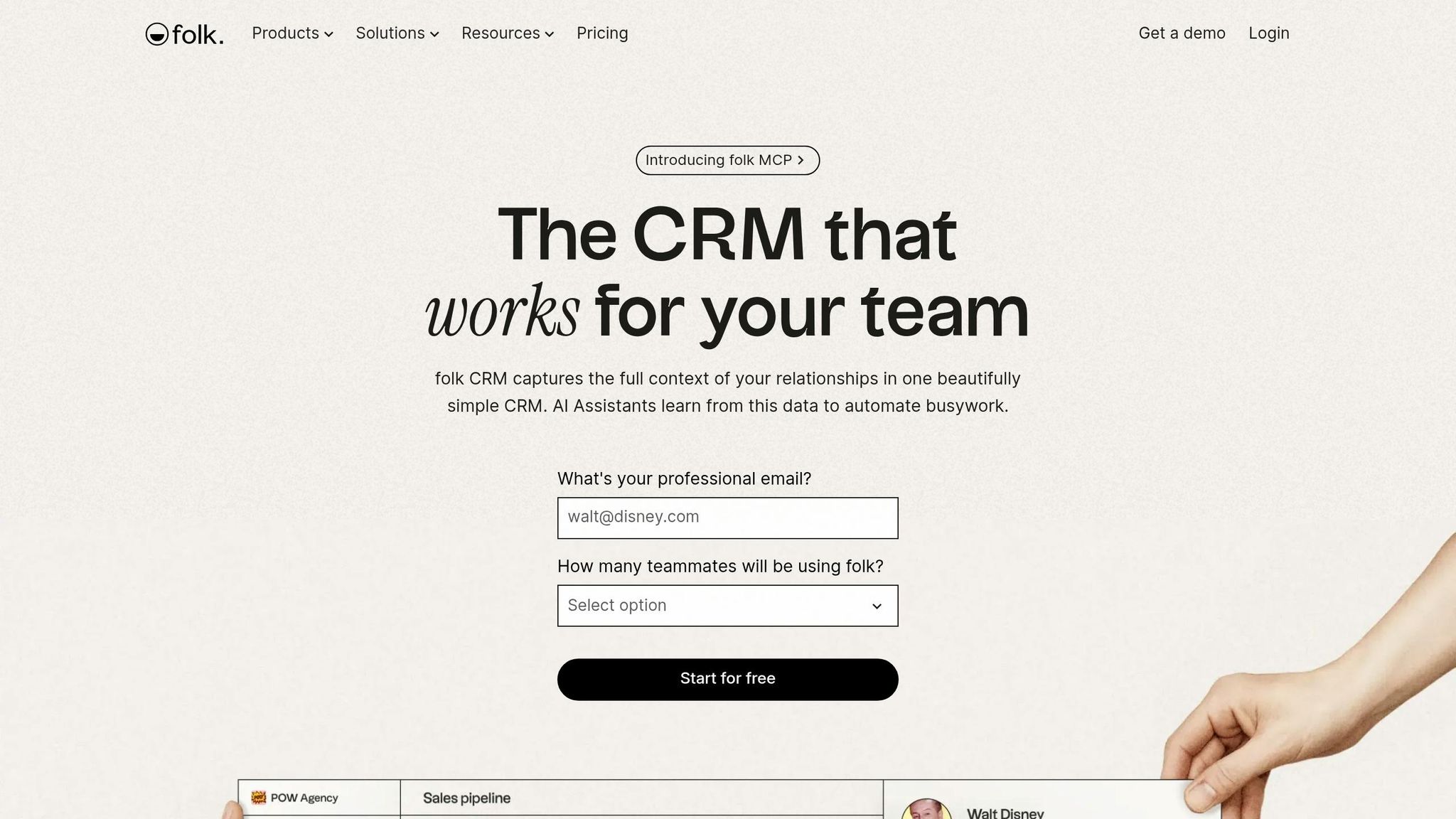
Folk works well for consultants who need to keep a few dozen warm relationships organized without forcing every contact into a sales pipeline. It fits firms that rely on repeat work and referrals rather than high-volume cold outreach.
That shows up in how Folk structures contact data. Its Groups model lets consultants sort people by role or relationship, such as referral partners, past clients, and active prospects. LinkedIn capture cuts down on manual entry, and Magic Fields fills in profiles from email and interaction history, which helps teams remember who someone is and why they matter.
For consultants who win work through referrals and repeat conversations, that setup makes sense.
Best for: Solo consultants and small advisory teams with about 5–15 active client relationships a year.
Pricing: Standard starts at about $20–$30 per seat per month; Premium starts at about $38–$60 per seat per month. Standard includes unlimited contacts and LinkedIn integration. Premium adds email sequences, multi-step automations, and custom objects. Folk offers a 14-day trial and no free plan.
Pros:
Groups make referral tracking and network segmentation simple without rigid pipeline stages
LinkedIn integration can cut manual data entry for consultants who source contacts there [3]
Folk Mail supports personalized outreach with merge fields and tracking
Cons:
Pipeline controls are limited, so consultants who need strict forecasting or more complex stage discipline may find Folk limiting [3][4]
It lacks native proposals, contracts, invoicing, project management, and time tracking
Compared with HubSpot and Pipedrive, Folk is built more for managing referrals, past clients, and partner relationships than for moving deals through a strict funnel. If you need more stage control, the next CRM leans closer to pipeline management.
3. Attio

Attio is the more configurable option. It fits consultants who manage long, uneven client relationships, where deals, partner ties, and warm contacts do not follow a neat pipeline.
Compared with Folk, which is lighter and more relationship-first, Attio gives you more control over how data is set up. Compared with HubSpot or Pipedrive, it offers more flexibility in the data model but less built-in structure for process. The tradeoff is setup time.
Attio asks you to define your own data model at the start. That means setting up objects, attributes, and views before the CRM starts to feel useful. That work can pay off over time, especially for consultants with complex accounts or partner networks that do not fit a standard funnel.
It is also strong in automation, mobile use, and email capture. Still, it is less simple than lighter CRMs. Unlike K3X’s prompt-driven approach, which removes workflow design, Attio gives that control back to the user. For consultants willing to configure the system themselves, that is the main draw.
For consultants managing past clients, referral partners, and long sales cycles with irregular touchpoints, that flexibility is the point.
Best for: Consultants managing complex accounts, partner networks, and long nurture cycles.
Pricing: Free plan available; paid plans start at $34 per seat/month for Plus and $69 per seat/month for Pro. Check current plans at attio.com/pricing.
Pros:
Custom objects let consultants track irregular client histories without forcing contacts into fixed pipeline stages
Strong automation and solid email capture help with long, relationship-driven sales cycles
Clean interface for teams already used to modern SaaS tools
Cons:
Requires upfront schema design, including objects, attributes, and views
Low day-one usability; not a good fit for consultants who need to start tracking contacts right away with little or no setup
If you want more guided pipeline control and less setup, HubSpot is the next option.
4. HubSpot
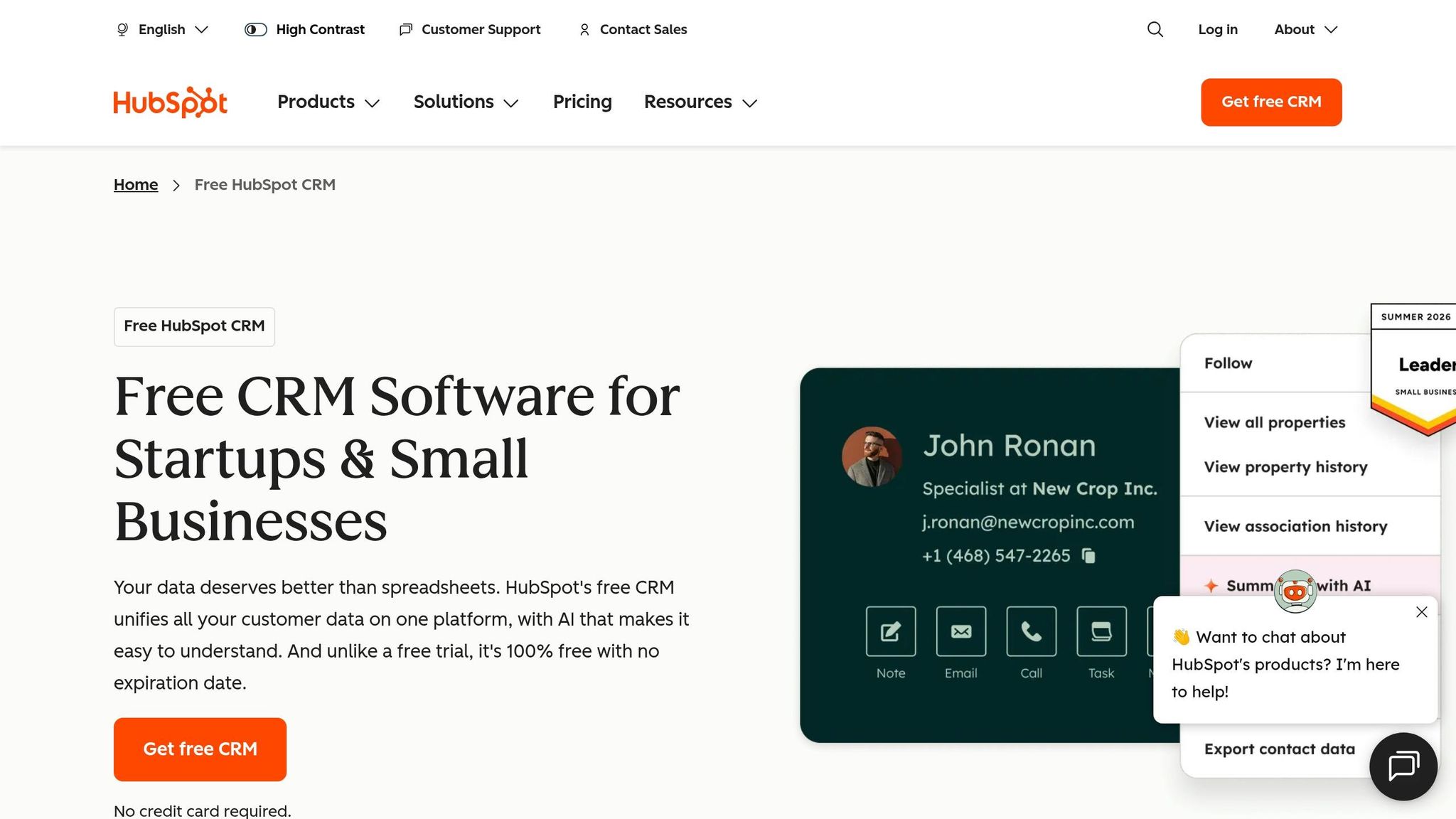
Best for: Consultants moving from solo work into a small team, especially if they already rely on content marketing or inbound leads. Pricing: HubSpot offers a free CRM with unlimited users and up to 1 million contacts. Sales Hub Starter starts at about $20 per seat per month, while Professional starts at about $100 per seat per month and often adds a one-time onboarding fee of $1,500 to $3,500 [1]. Check current pricing at hubspot.com/pricing.
HubSpot works well when you need one place to see emails, calls, meeting notes, and deal activity over long sales cycles. For consultants, that matters because client work often comes in waves. A prospect may go quiet for six months, then come back when a new project opens up. HubSpot makes that history easy to review [5].
The main downside is price. Costs can climb fast for small consulting firms, and the Professional plan is geared more toward teams that need lead scoring, inbound lead management, and forecasting rather than a simple client tracking setup [1].
Compared with K3X, HubSpot still asks for more setup, even at the lower plans. Compared with Pipedrive, HubSpot goes deeper on marketing, while Pipedrive keeps the sales pipeline more focused and easier to manage for consultants with a smaller book of active deals. If you want a simpler client log with less marketing-heavy tooling, Capsule is the next option.
Pros:
Free tier includes a meeting scheduler, email tracking, and a deal pipeline
Full long-term client history across emails, calls, and notes supports relationship-driven cycles [5]
Clear path if you later need marketing automation, team collaboration, or lead scoring
Cons:
The jump to Professional is steep - sometimes described as an "$890/month cliff" - and can include features most solo consultants will not use [6]
The interface is built for marketing and SDR teams, so solo operators can find it cluttered with tools that add complexity rather than clarity [1]
5. Capsule
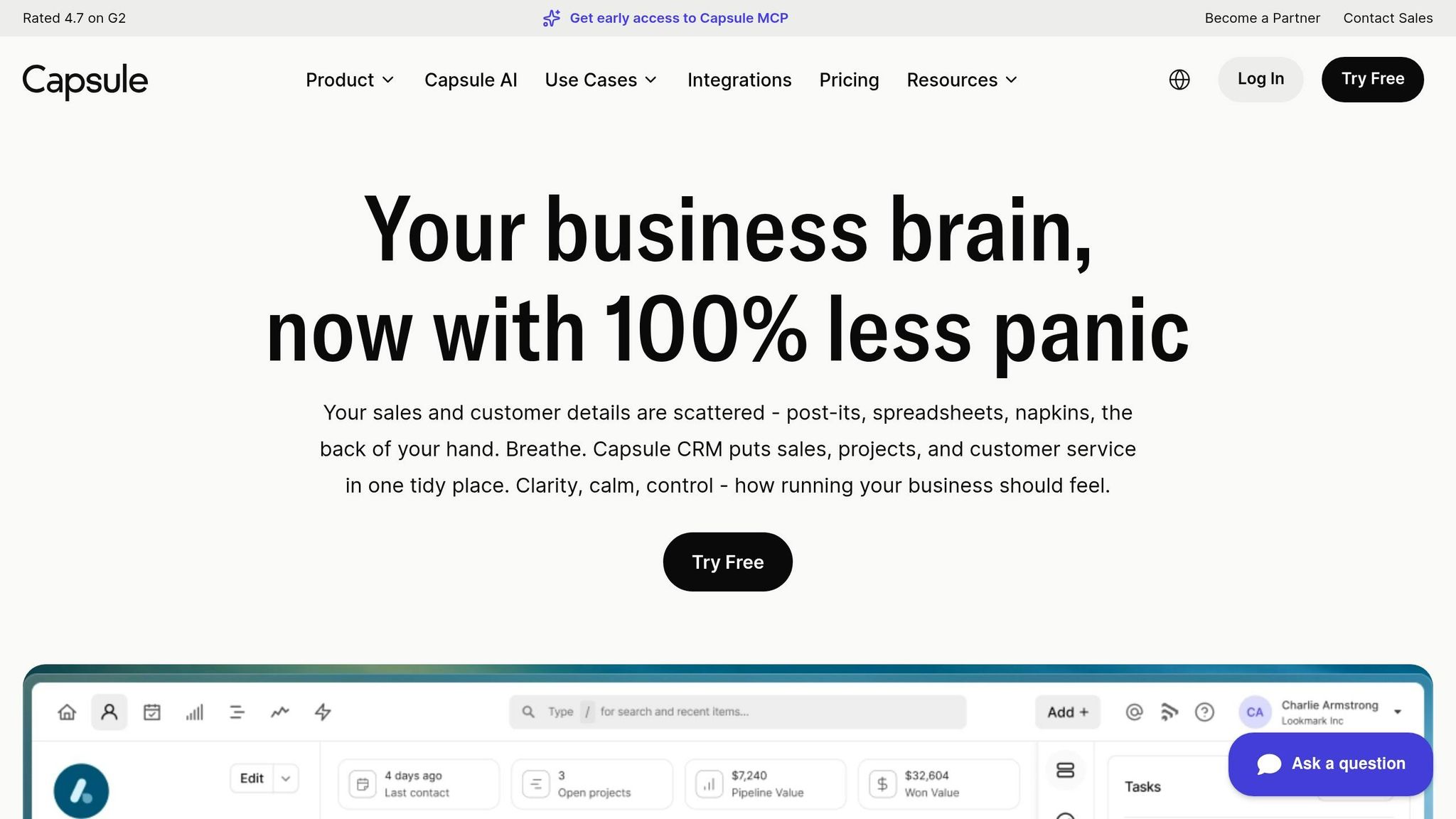
Best for: Solo consultants and small practices that want simple contact management, basic pipeline tracking, and low upkeep. Pricing: Starter costs about $21 per user/month when billed annually. Growth costs about $38 per user/month and adds multiple pipelines and workflow automations. Check current pricing at capsulecrm.com/pricing.
Capsule is a good fit for consultants who want a clean client log without HubSpot’s marketing-heavy setup, or for those scaling without complexity using AI-native tools. It works well for teams managing dozens of warm contacts, longer sales cycles, and light pipeline tracking without much admin work. Capsule scored 9.4/10 for ease of use and has a 4.7/5 rating from 474 verified reviewers on G2 [3].
For consulting teams, the main draw is that Capsule stays light while still showing client history and pipeline status clearly. Project boards can also help keep delivery work and client records in one place after the deal closes [1]. The trade-off is a smaller automation layer.
Native automation covers tasks and reminders, but not multi-step outreach. If you mainly need follow-up prompts and a clear contact history, Capsule can do the job. If your process depends on outbound sequences, you’ll likely need Zapier or another integration [3][9].
There’s also a practical limit on the free plan. It caps contacts at 250, which can be tight for consultants who network a lot or keep a broad referral base [1][3].
If your pipeline starts to fill up and deal tracking becomes more important, Pipedrive is a stronger option for deal management. It makes more sense once volume becomes the main issue.
Pros:
Rated 9.4/10 for ease of use, with fast setup and responsive support [3]
Project boards on Growth and Advanced help connect sales and client delivery in one place [1]
A free tier gives small practices room to get started [1]
Cons:
Native automation is limited to tasks and reminders, so multi-step outreach usually needs Zapier or another integration [3][9]
The free plan caps contacts at 250, and multiple pipelines require Growth [1][3]
6. Pipedrive

Pipedrive works best when your contact list has turned into an active sales pipeline. It gives you a clear deal board, but it is less suited to long-term relationship tracking.
Best for: Consultants with a steady flow of active deals who want a visual board and follow-up reminders. Pricing: The Lite/Essential plan starts at about $14–$15 per user/month when billed annually, but many consultants will need the Growth plan at about $49 per user/month for full email sync and multi-step automation. Check current pricing at pipedrive.com/pricing.
Pipedrive is built around a drag-and-drop pipeline. You move deals through custom stages such as Discovery, Proposal Sent, and Negotiation, and the system flags overdue follow-ups with activity reminders. For consultants handling roughly 15 to 100+ active deals, that setup keeps the next step in plain view.
This matters when delivery work starts crowding out sales follow-up. Pipedrive helps keep warm deals from sitting untouched, since reminders are part of the core workflow. If your main problem is deal movement, it does that job well.
The trade-off is that Pipedrive is more deal-focused than relationship-focused. Referral partners and former clients can feel awkward in the system because contacts tend to get pushed into active deal stages. It also does not handle proposals, contracts, or invoicing on its own, so you will need other tools for that [2][3].
The lower-priced tier can cover basic tracking. In practice, though, the Growth plan is the starting point for many consulting teams because email sync and automation are hard to skip once your pipeline gets busy [1][3].
Pros:
4.3/5 on G2 from 2,953 verified reviewers, with users often pointing to pipeline visibility and ease of setup [3]
Built-in activity reminders and nudges help keep active deals moving during busy client delivery periods [3][5]
Contact history, notes, emails, and deal status live in one place, which can save time when preparing proposals
Cons:
Full email sync and automation require the Growth plan at about $49/user/month; the Lite/Essential tier is too limited for many consulting workflows [1][3]
The deal-first model is not a strong fit for long-term referral relationships and repeat-client follow-up [7]
How do these six CRMs compare side by side?

Best CRM for Consultants: Side-by-Side Comparison 2025
These six CRMs differ most in how they handle follow-up and how much work they need before they become useful. For consultants, the short version is simple: some tools are better for referral-heavy relationship management, some are built for active deal flow, and some cut down manual follow-up.
For many consulting teams, the main divide is automation style. Compared with Salesforce, Zoho, monday.com, and Close, K3X avoids admin-heavy setup and carries out follow-up from plain-language instructions. That shifts the decision toward what matters most in your workflow: prompt-driven execution, contact enrichment, or tighter pipeline control.
CRM | Best For | Starting Price | Automation Style | Warm Relationship Management | Setup Burden |
|---|---|---|---|---|---|
K3X | Automated follow-up for solo consultants and small firms | Starting at $20/seat/month | AI-native, prompt-driven | High for proactive follow-up | Very low (<1 hour) |
Folk | Network-driven, referral-first consultants | Starting at $20/seat/month | Enrichment-based automation | High | Very low |
Attio | Structured notes and flexible contact data | Starting at $34/seat/month | Flexible, enrichment-based | High | Moderate |
HubSpot | Scaling agencies and marketing-heavy firms | Starting at $20/seat/month on Starter [1] | Workflow automation | Moderate | Moderate |
Capsule | Low-friction contact management | Free tier; paid starting at $21/user/month | Simple, task-based | High | Very low |
Pipedrive | Active proposal pipelines | Starting at $14/user/month on Essential | Traditional, activity-based | Moderate | Low |
Use this table to cut the list down fast. Then review the criteria below to match the CRM to your client mix, sales motion, and the amount of admin work your team can live with.
What should consultants look for in a CRM?
Consultants should look for a CRM that keeps relationship context intact over long sales cycles and cuts down follow-up work. If the system adds admin instead of saving time, it’s the wrong fit.
Use these filters to narrow the six CRMs above. For consultants, the main question is simple: does the CRM help move deals forward, or does it turn into another place to log work by hand?
Follow-up automation matters most. One report found that 60% of freelancers and independent operators lost at least one client per quarter due to missed follow-ups, while systematic follow-up increased proposal conversion by about 30% [3]. For a consultant, that gap can mean a direct hit to pipeline and billable revenue.
The key is not just automation for its own sake. Prompt-driven automation is more useful because consultants should be able to describe the outcome once and let the CRM handle the next steps, instead of building every email, SMS, or call sequence from scratch.
Referral tracking and past-client segmentation matter just as much. Many consulting deals come through old clients, referral partners, and dormant contacts who aren’t active in the pipeline but still shape future revenue. A good CRM should let you tag contacts by relationship context and keep those warm ties visible over time.
Low admin overhead is non-negotiable. The hidden cost of a CRM is lost billable time. If routine tasks take too many clicks, adoption drops fast. It’s also worth checking feature gates closely, especially whether automation, multiple pipelines, or custom objects are locked behind higher-priced plans.
Feature | Why It Matters for Consultants |
|---|---|
Multi-stakeholder contact history | Keeps every conversation informed across long sales cycles |
Prompt-driven follow-up automation | Lets consultants state the outcome once; the CRM executes across email, SMS, and calls without manual sequence setup |
Referral and past-client tagging | Keeps inactive contacts who still drive referrals or repeat work visible |
Calendar and meeting integration | Automatically captures discovery call notes so context isn't lost |
Low setup burden | Reduces the risk of abandonment; a tool unused is a tool wasted |
Use these criteria before comparing pricing, contact limits, and automation gates.
What data points should consultants know before picking a CRM?
Consultants should focus on a small set of numbers before choosing a CRM: follow-up loss, proposal conversion lift, pipeline impact, and pricing limits. These figures tell you more than a long feature checklist because they show where revenue slips and what it costs to fix it.
Missed follow-ups are the most common revenue leak. 60% of freelancers report losing at least one client per quarter due to missed follow-ups before adopting a CRM [3]. For consultants, that points to a simple truth: the issue is often not lead volume, but keeping follow-up consistent.
Structured follow-up converts more proposals. Consultants who set up a system for follow-up see about 30% more proposal conversions [3]. That gain can shrink if reminders, sequences, or automation only show up in a higher-priced plan.
Visible pipeline and workflow fit matter too. Consultants with a clearly visible pipeline close 18% more retainer contracts within their first year of CRM use [3]. In plain terms, a CRM should help you manage long sales cycles and client relationships, not just log open deals.
Pricing gates can raise total cost quickly. HubSpot Professional includes a $1,500 one-time onboarding fee [1]. Capsule’s free tier caps contacts at 250, while Folk has no free plan [3]. Pipedrive puts automation behind its Growth plan at about $49 per user/month [1]. K3X starts at $20 per seat/month, includes 1,000 AI credits, and has no long-term contract [8].
Use those limits as a gut check. A CRM may look affordable at the start, then get expensive once you need more contacts, workflow automation, or onboarding help.
FAQ: Common questions consultants ask about CRM tools
These answers are for consultants with long sales cycles, referral-heavy work, and a small client base where missed follow-up can cost future revenue. The short version: the best CRM is usually the one that helps you track relationships, not just deals.
What CRM do consultants actually use?
Consultants often use Folk, Attio, K3X, HubSpot, Pipedrive, or Capsule. The choice usually comes down to what matters most day to day: relationship context, follow-up automation, or a clear deal view.
Price matters, but product fit matters more. If one missed check-in can cost repeat work, the tool has to help you stay in touch without adding admin.
What is the cheapest CRM for consultants?
HubSpot Free is the lowest-cost starting point. It is free forever and includes unlimited contacts.
If you need paid automation, K3X starts at $20 per seat/month and includes AI-native follow-up [1][3].
Which CRM is best for relationship-based selling?
Folk is the clearest fit for relationship-based selling. Attio is a good option when you need more flexible data structure, and K3X fits consultants who want automated follow-up without building sequences [1][2][3].
Can a solo consultant manage with a spreadsheet instead of a CRM?
Yes, but only at a very small scale. A spreadsheet can work for a tiny contact list when deal flow is light and follow-up is simple.
Once follow-up starts depending on memory, a CRM becomes the better option. It can handle reminders and keep client history in one place, which lowers the odds of dropped balls [1][3].
Conclusion
The best CRM here is the one that cuts the most admin work. For most consultants, that matters more than a long feature list because stale data and missed follow-ups usually come from manual upkeep, not missing tools.
The choice comes down to three main use cases. K3X fits consultants who want prompt-driven follow-up without building workflows by hand. Folk fits relationship-first consulting. Pipedrive fits stage-based deal tracking.
If your work centers on people and relationship history, choose Folk or K3X. If your work depends on moving deals through clear pipeline stages, choose Pipedrive. That is the shortest path to a sensible choice.
Your CRM should fit the way you already work, not make you rebuild your process around the software. The right pick is the one you can start using fast and keep up to date with the least manual effort.