Sales Automation
•
K3X vs Folk: Which CRM Fits Small Relationship-Driven Teams?
K3X automates follow-up for small teams; Folk focuses on contact organization and LinkedIn-first outreach—choose automation vs hands-on control.

My short take: K3X fits small teams that want follow-up sent and tracked with less rep input. Folk fits teams that want a contact-first CRM, strong LinkedIn import, and more hands-on control over outreach.
If I were choosing between them in July 2026, I’d pick K3X for automation and Folk for contact organization. The split is less about feature lists and more about who does the daily work: the system or the rep.
What’s the clearest difference?
K3X is built around plain-language goals. The article says a rep can tell it to follow up until a lead books or declines, and the system handles email, SMS, calls, and activity updates without a workflow builder. Folk does not work that way. It helps with enrichment and email drafting, but the user still sets up lists, tags, stages, and sequences.
That means the choice is simple for small teams. If manual follow-up is the main drag on output, K3X is the better fit. If the team cares more about sorting relationships, reviewing messages, and working from LinkedIn, Folk is the better fit.
How do price and setup change the decision?
On base price, K3X is lower. The article lists K3X at $20 per seat/month and Folk Standard at $24 per user/month billed annually. For a 5-person team, that comes out to $100/month for K3X and $120/month for Folk Standard. Over a year, that is $1,200 vs. $1,440.
The bigger issue is what each entry plan leaves out. According to the article, Folk Standard does not include deals or sequences, and teams need Folk Premium at $48/user/month to add them. For the same 5-person team, that moves Folk to $240/month or $2,880/year. K3X includes deal pipeline work and follow-up execution in the base plan, though teams still need to watch AI credit usage.
Setup follows the same pattern. K3X is described as a prompt-led system with a target of under an hour. Folk can be live in about 15 minutes for contact tracking, but users still need to set up structure by hand. So Folk can start fast, but the article’s point is that more of the process stays manual after setup.
Which teams should pick each one?
I’d point founder-led sales teams, small SDR groups, and owner-led teams with 1–9 users toward K3X if they want the CRM to do more of the chasing. The article frames it as a tool for teams that want steady follow-up across email, SMS, and calls without building workflows.
I’d point agencies, VCs, recruiters, and LinkedIn-heavy relationship teams toward Folk. Its stronger case is the contact workspace, inbox sync, WhatsApp sync, and the folkX Chrome extension for LinkedIn, Gmail, and Crunchbase. That is a better match when users want to approve messages and run outreach themselves.
What are the main trade-offs?
K3X gives more built-in execution but is the newer product. The article notes limits around native integrations and says admin controls such as SSO, audit logs, and custom roles are pushed to a higher plan. That makes it less suited to teams that need heavy governance.
Folk is the more established option. The article cites 4.5/5 on G2 from 318 reviews and says users often mention ease of use. But it also points out two limits: no native calling or SMS, and no native iOS or Android app as of July 2026. For field use or mobile-heavy teams, that matters.
My bottom line
If I want the CRM to run follow-up, I’d choose K3X. If I want a polished place to organize relationships and send outreach myself, I’d choose Folk.
For most small relationship-driven teams, the decision comes down to this:
Choose K3X if automation is the main goal
Choose Folk if contact management is the main goal
That is the cleanest reading of the article’s evidence on price, setup, channels, and day-to-day use.
Folk CRM Review: The Simplest CRM for Non-Tech Founders?
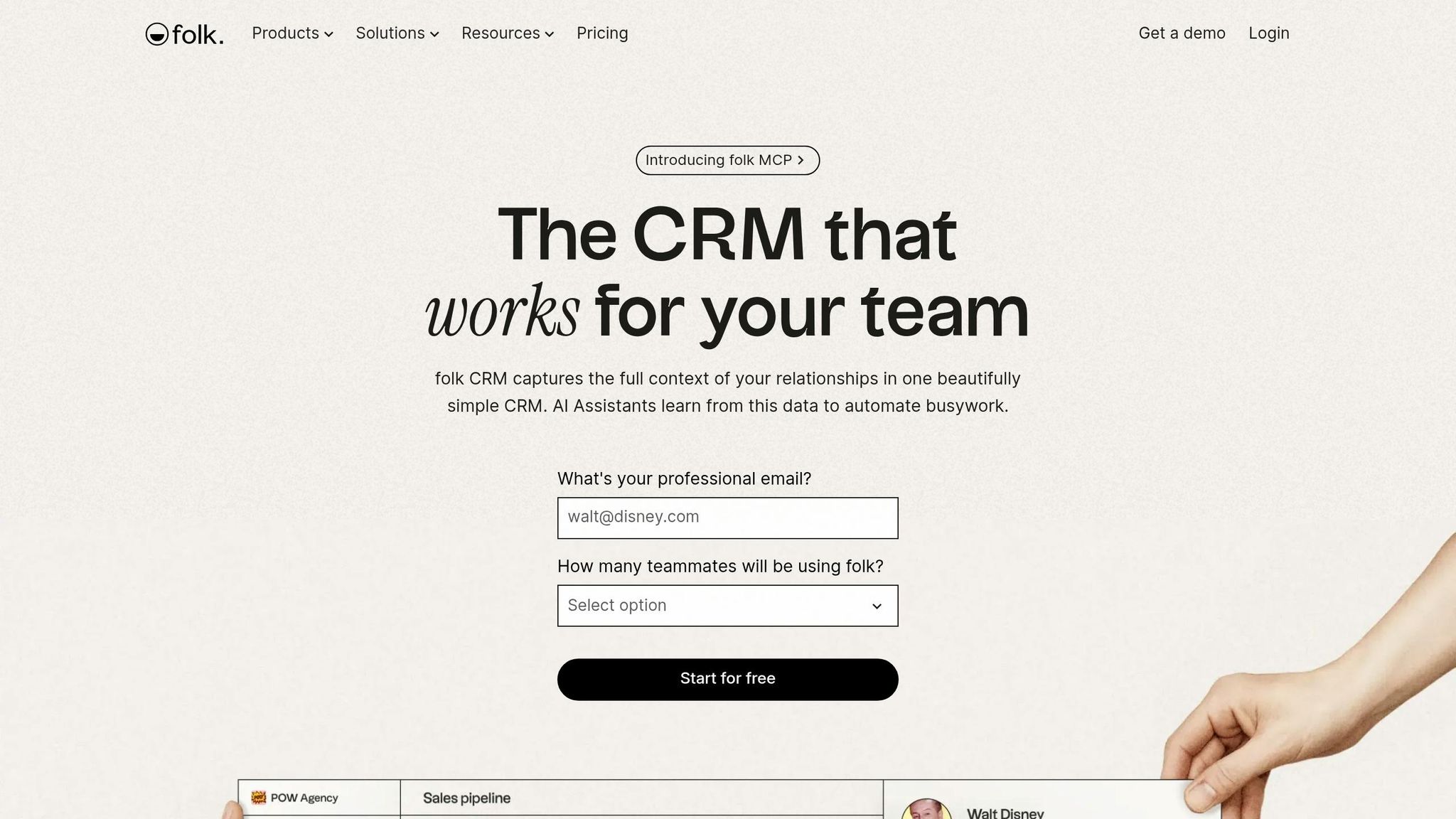
How do K3X and Folk compare on pricing for small teams?


K3X vs Folk CRM: Pricing, Features & Fit for Small Teams (2026)
K3X is simpler to budget for. At $20 per seat per month, a 5-person team pays $100/month or $1,200/year. Folk Standard costs $24 per user per month billed annually, so the same team pays $120/month or $1,440/year, and that plan still leaves out deals and sequences [3][7][8].
That difference matters for small sales teams watching software spend closely. K3X puts execution features into the base plan, while Folk keeps part of the sales workflow on a higher tier.
What does K3X's $20 per seat include?
K3X Starter includes core execution tools in the base price. The plan comes with 1,000 AI credits per seat, unlimited integrations, a built-in power dialer, and prompt-driven AI agents that manage follow-up and pipeline moves [3].
K3X also offers a 14-day free trial at k3x.ai and does not require a long-term contract [3]. The trade-off is straightforward: K3X is a newer product, so it has fewer native integrations than larger CRM vendors, though early success stories show how teams are bridging those gaps, and teams running high-volume outreach should keep an eye on credit usage [3].
How does Folk's tiered pricing affect total cost?
Folk's entry plan looks simple at first, but the feature limits change the math. Folk Standard costs $24/user/month billed annually, yet it does not include deals, stage pipelines, sequences, dashboards, or API access. Teams need Folk Premium at $48/user/month billed annually to get those features [7][8].
Folk also uses shared credit pools instead of per-seat credits. Standard includes 500 credits for the whole workspace, which equals 100 credits per person on a 5-person team [7][8]. For teams that expect each rep to run their own outreach, that setup can feel tight fast.
Plan | Monthly cost for 5 seats | Annual cost for 5 seats | Deal pipelines | Email sequences |
|---|---|---|---|---|
K3X Starter | $100 | $1,200 | Included | Included |
Folk Standard | $120 | $1,440 | Not included | Not included |
Folk Premium | $240 | $2,880 | Included | Included |
How do K3X and Folk sit against HubSpot, Salesforce, Pipedrive, Zoho, monday.com, Close, and Attio on entry pricing?
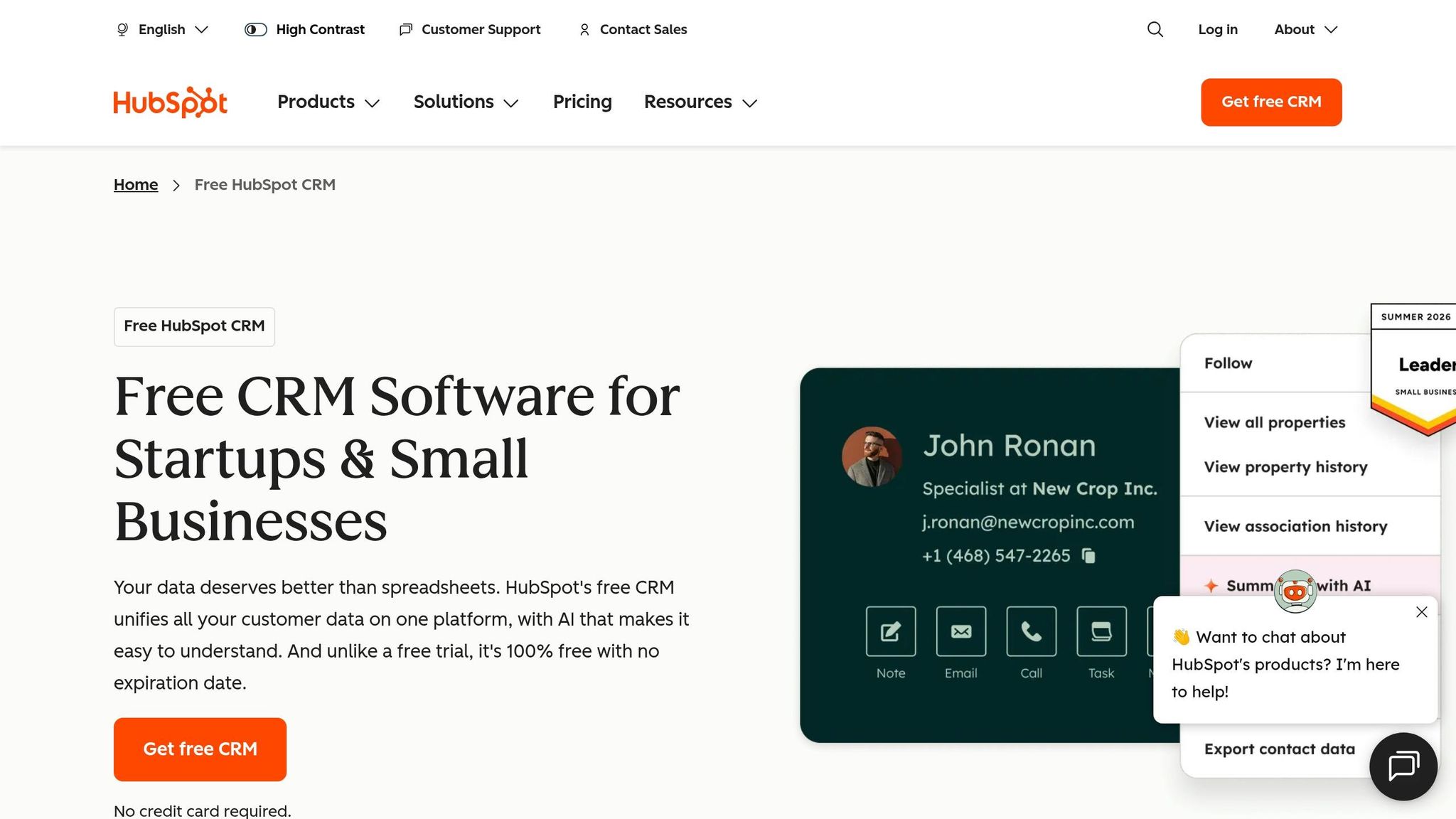
K3X sits in the middle of the entry-level CRM price range, but includes more execution tools in the base plan. At $20 per seat per month, it costs more than Pipedrive Essential at $14/seat/month and HubSpot Starter at $15/seat/month, and less than Salesforce Starter at $25/user/month [3].
The main difference is what comes with that entry price. K3X bundles AI-driven execution, calling, SMS, and a power dialer into the base plan, while Folk Standard starts at a higher price than both Pipedrive and HubSpot Starter and still keeps core sales execution features behind Premium [3][7][8].
Price is only part of the decision. Setup effort is where the gap gets larger.
Which is faster to set up: K3X or Folk?
K3X is faster to set up. It gets teams from a plain-language goal to a working workflow with less manual configuration, while Folk is fast but still asks users to set up core CRM parts by hand.
For small, relationship-led teams, setup speed is about more than launch day. It shapes how much manual work the team still carries after the CRM is live.
Here is the practical setup difference at a glance.
CRM | Setup effort | Setup style |
|---|---|---|
K3X | Fastest | Prompt-driven; AI builds the workflow |
Folk | Fast | Manual contact management and outreach setup |
Pipedrive, Zoho, monday.com, Close, Attio | Moderate | More structure than K3X or Folk, more setup overall |
HubSpot | Slow | Heavier implementation and automation setup |
Salesforce | Slowest | Enterprise-level setup and customization |
What does setup look like in K3X?
K3X is built for teams that want to start fast without hiring a CRM admin. Its setup target is under an hour, which puts it in the lightest setup group in this comparison.
The main difference is how setup happens. K3X turns a plain-language instruction into a live workflow, so users do not need to build triggers, branches, or logic trees themselves. That cuts out workflow design work that many CRMs still leave to the user.
There is still user oversight. Teams review AI-drafted messages and approve agent actions in the Human Review Layer and activity feed. [2]
What does setup look like in Folk?
Folk can be up and running fast, but more of the setup work stays with the user. A working contact database can be ready in about 15 minutes, which is fast for teams focused on relationship tracking.
That said, users still need to set up lists, tags, pipeline stages, and sequences on their own. Folk’s spreadsheet-style interface is simple to learn, and its enrichment features can cut some data entry, with accuracy estimated at 85% to 90%. [6]
How does setup effort compare across HubSpot, Salesforce, Pipedrive, Zoho, monday.com, Close, and Attio?
K3X and Folk both need less setup than HubSpot or Salesforce. The gap gets more noticeable once you compare how much structure each system asks for before a team can start working.
HubSpot often takes a week or more to implement, while Salesforce can take weeks or months. Pipedrive, Zoho, monday.com, Close, and Attio sit in the middle: more setup than K3X or Folk, but less than the heavier enterprise systems.
That tradeoff is pretty simple. Small teams are often choosing between less setup now and more manual work later.
The next question is what each CRM automates after setup.
How do K3X and Folk differ in automation and AI?
K3X uses AI agents to run work across email, SMS, and calls, while Folk still depends on user-built sequences and enrichment. [2] The main difference is simple: after setup, K3X is built to carry out the follow-up process on its own, while Folk still asks the user to define and manage much of that work.
What does K3X automate that Folk does not?
K3X handles follow-up execution without requiring the user to build sequences or triggers. A user can give it a plain-language goal, such as "follow up every inbound lead within 5 minutes until they book or decline", and K3X's AI agents decide the steps, timing, and channel actions without the user setting triggers or branches. [2]
K3X also updates deal records and logs activity when it detects a reply. According to K3X, this approach has saved users an average of 8 hours per rep per week across its customer base. [1]
How does Folk handle outreach and contact workflows?
Folk supports user-run outreach with AI help for drafting and data fill, but the user still owns execution. Magic Fields auto-populate contact data at 85%–90% accuracy [6], and the folkX Chrome extension can capture LinkedIn profiles in one click.
Users still need to build sequences and move contacts through stages themselves. That gives teams more direct control, but it also leaves day-to-day admin work with the rep. For deeper automation, teams often need Zapier or Make. [7]
How does this compare with HubSpot, Salesforce, Close, Pipedrive, Attio, and monday.com?
Most CRMs in this set are closer to Folk than K3X in how automation works. HubSpot and Salesforce provide deep workflow builders, but they take more setup, and Salesforce often requires dedicated admin support. Close and Pipedrive are stronger for calling and sequences, but users still have to build and manage those sequences. Attio has a stronger relational data model than Folk, but it follows the same user-configured automation pattern.
CRM | Automation model | Setup burden |
|---|---|---|
K3X | Autonomous AI agents | Prompt-based |
Folk | AI-assisted | User-built sequences |
Close | User-configured sequences | Manual |
Pipedrive | User-configured sequences | Manual |
HubSpot | Workflow builder | Complex |
Salesforce | Flow builder | Enterprise-level |
Attio | User-configured automation | Manual |
That gap becomes clearer in integrations and channel coverage.
Which Has Better Integrations and Communication Channels?
Folk has the stronger native integration set, while K3X has more built-in communication channels. In practice, K3X cuts down tool switching for teams that call and text a lot, and Folk fits teams that live in Gmail, Outlook, and LinkedIn.
What Integration and Channel Coverage Does K3X Offer?
K3X covers more outreach channels out of the box. Its $20/seat/month plan includes email, SMS, calling, a power dialer, API access, and unlimited integrations [3].
K3X is also API- and webhook-friendly for custom connections. That makes it simpler to connect outside systems without adding a separate middleware layer. The trade-off is straightforward: its native integration catalog is still smaller than what larger CRM ecosystems like HubSpot, Salesforce, or Zoho offer.
Folk goes the other way. It leans more on syncs and contact capture than on native outreach execution.
What Integration and Channel Coverage Does Folk Offer?
Folk is strongest in inbox sync and contact capture, not calling or SMS. Its main native strengths are Gmail, Outlook, and WhatsApp.
The folkX Chrome extension adds one-click contact capture from LinkedIn, Gmail, and Crunchbase [6]. That setup works well for relationship-heavy teams that spend most of the day in those tools.
There is a pricing split here. Standard includes Gmail, Outlook, and WhatsApp sync, while Premium adds API access and automated sequences at $48/user/month, billed annually [7]. Folk has no native calling or SMS, so teams need a connector such as Zapier or Make for those channels [10].
That makes Folk lighter for outreach execution. If your team needs built-in calling or SMS, K3X is more direct.
How Do K3X and Folk Compare With Larger CRM Ecosystems?
Both products have smaller native integration libraries than enterprise CRMs, but they solve different problems. K3X gives teams built-in execution across channels, while Folk focuses on sync-based workflows and contact capture.
For a small team, the choice is usually simple:
Pick K3X if your reps need email, SMS, and calling in one place.
Pick Folk if your team wants Gmail, Outlook, WhatsApp, and LinkedIn capture with a familiar sync-first setup.
Feature | K3X (Starter) | Folk (Standard) | Folk (Premium) |
|---|---|---|---|
Price | $20/seat/mo [3] | $24/user/mo [7] | $48/user/mo [7] |
Built-in | Gmail/Outlook sync | Gmail/Outlook sync | |
SMS/calling | Built-in | Not native | Not native |
LinkedIn capture | - | folkX extension [6] | folkX extension [6] |
API access | Included [3] | No [7] | Included [7] |
Multi-step sequences | No [7] | Yes [7] | |
Integration approach | Native sync + Zapier/Make | Native sync + Zapier/Make |
Is K3X or Folk More Mature and Reliable for Long-Term Use?
Folk is the more mature product today. For small teams, that usually means fewer surprises in day-to-day follow-up and less need for admin help when something slips. K3X is newer and AI-native, so the trade-off is simple: Folk offers more predictability, while K3X leans harder into autonomous execution.
What Are K3X's Current Limitations?
K3X is still early compared with more established CRM tools. Its native integration catalog is smaller, teams need to watch credit usage, and controls such as SSO, audit logs, and custom roles are limited to the Custom plan. That makes it lighter to roll out, but less proven for teams that care about long-term governance.
What Does Folk's Maturity Mean in Practice?
Folk's maturity shows up in day-to-day consistency. It has a 4.5/5 rating on G2 from 318 reviews, and ease of use is the point users mention most often [10]. For relationship-led teams, that often translates into less training time and fewer process workarounds.
Its interface is familiar, and its core sync behavior is stable, which makes it a low-friction option for teams that want a CRM to stay out of the way. But maturity does not mean it covers every use case. As of July 2026, Folk still does not offer a native iOS or Android app [6][10], which can be a problem for people who spend much of the day away from a desk.
Pricing is another practical limit. More advanced features sit behind the $48/user/month Premium tier [6][7], so costs can climb once a team moves past basic contact tracking.
How Do Both Compare With Salesforce, HubSpot, Zoho, Pipedrive, Close, monday.com, and Attio on Maturity?
If long-term reliability matters more than automation, both K3X and Folk sit below the top enterprise CRM platforms on depth and controls. They are lighter tools by design, which makes them easier to adopt but narrower in reporting, governance, and admin range. Neither matches Salesforce, HubSpot, or Zoho for reporting depth or administrative controls [4].
For teams comparing the next step up, the differences are pretty clear. Attio is often the next option for teams that like Folk's style but want more structure. Close and Pipedrive are stronger when pipeline visibility is the main job to be done, while monday.com sits closer to project management than full CRM depth.
The main trade-off stays the same. More mature tools tend to lower process risk, while K3X cuts manual work more aggressively for small, relationship-driven teams.
Platform | Maturity | What stands out | Best fit |
|---|---|---|---|
K3X | Younger, AI-native | Prompt-driven execution [1] | Small teams that want autonomous follow-up |
Folk | More established [5] | Stable contact management; 4.5/5 G2 [10] | Relationship-driven teams that want a familiar CRM |
Salesforce / HubSpot / Zoho | Enterprise incumbents | Deeper admin and reporting [4] | Teams that need governance and scale |
Close / Pipedrive | Mid-market | Pipeline visibility | Sales-focused teams |
monday.com / Attio | Mid-market | Project tracking / relational data | Teams needing structure over autonomy |
Which Teams Should Pick K3X and Which Should Pick Folk?
The choice is mostly about who does the work. Pick K3X if you want follow-up handled for you. Pick Folk if your team wants to manage contacts by hand and send outreach itself.
That split matters more than feature checklists. One tool leans toward automation through AI agents, while the other keeps the rep in the driver’s seat.
Pick K3X if Your Team Wants Follow-Up Handled Without Building Workflows
K3X is a fit for founders, owner-led sales teams, and small revenue teams with 1–9 people that want to stop chasing leads by hand. You describe the result you want in plain English - for example, "follow up every inbound lead within 5 minutes until they book or decline" - and K3X's AI agents take it from there.
That’s the main reason teams pick K3X: less admin, more time selling. It works best for teams that care more about fast response and steady follow-up than about manually checking every step.
If that feels too hands-off, Folk is the safer choice because the rep keeps control.
At $20 per seat/month, with a 14-day free trial and setup in under an hour, K3X is fast to get live. The trade-off is straightforward: it’s newer, it has fewer native integrations than older CRM tools, and it needs credit monitoring.
Pick Folk if Your Team Wants Structured Contact Management and Outreach the User Runs
Folk is a fit for teams that pull in relationships from LinkedIn and want a tidy place to sort and manage them. It works well for solopreneurs, agencies, VCs, and recruiters who want to review and approve messages before anything gets sent.
The key difference is control. Folk can help with drafting and enrichment, but the user still runs outreach. If your team wants to inspect contacts, shape messages, and decide when to send, that model makes more sense.
Deal management and sequences are only available on the $48/user/month Premium tier, so costs go up once a team needs those features [4][8].
When Should Buyers Skip Both and Look at HubSpot, Salesforce, Pipedrive, or Close Instead?
Skip both if your team needs deeper reporting, heavier admin controls, or more mature mobile and automation options. K3X and Folk are both light by design, which is good for speed but limiting for larger or more complex sales motions.
If mobile access or broader automation is a priority, move to HubSpot, Salesforce, or Pipedrive instead.
Need | Better fit |
|---|---|
Free forever tier | HubSpot |
Revenue forecasting and quota tracking | Salesforce ($25/user/month) or HubSpot |
Pipeline visibility with strong reporting | Pipedrive ($14/seat/month) |
High-volume outbound | Close |
Autonomous follow-up for a team under 10 | K3X |
LinkedIn-first contact curation | Folk |
How Do You Migrate from Folk to K3X?
Migration from Folk to K3X is usually a CSV export/import job plus a rewrite of workflow logic into outcome prompts. For a small team, the main task is mapping Folk’s tags, owners, and stages into K3X outcomes.
Folk is built around contacts. K3X is built around the result you want, so the move is less about copying every step and more about recasting the process in plain language.
How Do You Move Contacts, Companies, and Deals from Folk into K3X?
Start with separate CSV exports for contacts, companies, and deals. Keep the files separate, flatten overlapping tags into one mapping, and clean the records before import so you don’t create duplicates.
During import, map Folk’s Magic Fields and custom tags to the correct fields in K3X [5][4]. Make sure each contact and deal includes the right owner in the CSV so assignment stays in place after import.
How Do You Rebuild Folk Workflows Inside K3X?
You usually do not rebuild Folk’s sequences step by step inside K3X. Instead, you translate each sequence into a plain-language outcome prompt that tells the agent what result to drive.
For example, a three-email follow-up sequence over two weeks becomes: follow up every inbound lead within 5 minutes until they book or decline. K3X’s agents then manage timing, messaging, and follow-up logic on their own [1][2].
Folk’s Groups and pipeline stages usually need to be recreated in K3X as Outcome Pipelines [9][1]. The process is tied to the result, not to a fixed sequence of tasks.
Before moving the full team, test one prompt first. That lets you check that the agent reads your follow-up logic the way you intended [1].
How Does This Compare with Migrating to HubSpot, Salesforce, Pipedrive, Zoho, monday.com, Close, or Attio?
K3X is lighter to migrate into than Salesforce or HubSpot because CSV imports and prompts replace admin-heavy rebuild work. A full HubSpot implementation usually takes at least a week and often calls for a dedicated admin or a solutions partner to map objects, configure properties, and build workflows [4].
The gap is clearest in rebuild time:
Migration path | Typical time | Technical help needed? | Workflow rebuild method |
|---|---|---|---|
Folk → K3X | Hours | No | Outcome prompts |
Folk → Pipedrive | 1–3 days | Sometimes | Manual pipeline + sequences |
Folk → HubSpot | 1–2 weeks | Often | Workflow builder + admin setup |
Folk → Salesforce | Weeks | Usually yes | Admin + consultant |
Folk → Close | 1–2 days | Rarely | Sequence builder |
For teams leaving Folk, the move is mostly about importing data and mapping it to outcomes, rather than rebuilding every workflow from scratch.
Conclusion: K3X or Folk - Which Fits Small Relationship-Driven Teams in July 2026?
The choice is simple: K3X does the follow-up work for the team, while Folk leaves that work with the rep. After looking at pricing, setup, automation, and product maturity, that’s the split that matters most.
K3X is the better fit when manual follow-up is the main bottleneck. At $20 per seat/month with a 14-day free trial, it is aimed at teams of 1–9 users that want AI agents to run outreach across email, SMS, and calls without needing workflow builders [3].
Folk is the better fit when contact organization and manual outreach matter more. It is the more mature and established option, but its advanced workflow features sit behind the Premium plan at $48/user/month [4][7].
Choose K3X for autonomous follow-up. Choose Folk for mature contact management and user-run outreach.
FAQs
Is K3X cheaper than Folk?
Yes. K3X costs less and gives small sales teams more room to work: $20 per seat/month, no long-term contract, and it includes automations and power dialing.
Folk starts at $30/user/month, or $24/user/month when billed annually. Its entry Standard plan does not include deal management or email sequences. If your team needs a more complete sales workflow, you’ll usually need Folk’s Premium plan at $60/user/month, or $48/user/month when billed annually.
Is Folk or K3X easier to set up?
Both are easier to set up than legacy CRMs, but the setup experience is different. Folk is faster for basic contact management, while K3X takes a bit longer up front and then removes more manual setup later.
Folk feels familiar if you already like spreadsheet-style tools. For many teams, setup takes about 15 to 20 minutes, which makes it a simple pick for getting contacts in place fast.
K3X can be live within about an hour by connecting your tools and describing the outcomes you want in plain language. It asks for more at the start, but it cuts out manual workflow, trigger, and sequence setup.
What does Folk not automate that K3X does?
Folk does not run follow-ups, stage changes, or multi-channel actions on its own in the way K3X does. In Folk, users still set up and manage sequences, workflows, and triggers inside the app.
With Folk, the work stays rule-based. Teams decide what happens next, build the logic, and keep those flows up to date over time.
K3X works in a different way. It uses prompt-driven goals and AI agents to carry out actions across email, SMS, and calls, without asking users to build or maintain rule-based workflows.
Can K3X replace Folk for a small sales team?
Yes. K3X can replace Folk for a small sales team if your goal is to move from manual relationship tracking to more automated sales execution.
Folk is better for contact organization and outreach management. K3X is better for teams that want follow-ups and pipeline tasks handled with less manual setup.
Folk works well when your team wants a clean way to manage contacts, track relationships, and run outreach with a lot of hands-on control. It fits teams that don’t mind building their own sequences, updating records, and pushing deals forward step by step.
K3X fits a different style of work. It’s better for small sales teams that want the system to take on more of the day-to-day work, especially around follow-ups and pipeline movement. Instead of relying on reps to build and maintain manual workflows, K3X leans more toward automated execution.
That difference matters in practice. If your team is still contact-first and relationship-led, Folk may feel like the better fit. If you want to reduce admin work and let the system handle more of the repetitive sales motions, K3X is the stronger option.