Sales Automation
•
Freshsales Alternatives: 7 Best CRMs for Small Teams in 2026
Compare 7 Freshsales alternatives: K3X for prompt-driven automation, HubSpot for inbound breadth, and Pipedrive for simple pipelines.

If I had to narrow this article to one takeaway, it’s this: small teams usually leave Freshsales for one of three reasons - too much manual work, plan-based feature limits, or setup friction. Among the options covered, K3X is positioned for teams that want prompt-based execution, HubSpot for teams that want a broad suite and free entry point, and Pipedrive for teams that want a simple pipeline view.
I’d describe the piece as a fit-based buyer’s guide, not a feature dump. It argues that the main split is AI-assisted CRMs that suggest work versus tools that try to carry out work from prompts, then maps each option to a small-team sales motion.
Main verdict: K3X for prompt-led follow-up, HubSpot for inbound and suite depth, Pipedrive for visual pipeline control.
Main buyer pain points: manual admin, plan jumps from $9 to $39 per user/month, limited support hours, and extra setup across the Freshworks stack.
Best use of the article: shortlisting by team type, not making a final pick without a trial.
What stands out most is the article’s focus on time-to-value. It keeps coming back to setup time, weekly admin load, and migration effort, with claims such as 8–12 hours per week spent on CRM upkeep and 11–19 hours of admin work for a move to a manual CRM.
A few details are useful if I’m screening vendors fast:
HubSpot is framed as the best free-suite option, with up to 1,000,000 contacts on the free tier and 1,500+ integrations.
Close is framed as the best call-first option for outbound teams.
Attio is framed as the best fit when custom objects and linked records matter more than a standard deal board.
Zoho CRM is framed as the best fit for teams willing to spend more time on setup in exchange for deeper reporting and customization.
Folk is framed as the light option for relationship-led selling, especially LinkedIn-heavy workflows.
My short read: the article is strongest when it helps a buyer match CRM choice to team workflow. It is less useful if I want a neutral deep dive on every vendor, since the piece keeps steering back to prompt-based automation as the core lens.
If I were using this article in practice, I’d turn it into a short decision rule:
Pick K3X if I want the CRM to run follow-up steps from a prompt.
Pick HubSpot if I want marketing, sales, and service in one place and can live with higher upgrade costs later.
Pick Pipedrive if I want low-friction pipeline management.
Pick Close if my reps spend most of the day calling.
Pick Attio if data model flexibility matters more than calling.
Pick Zoho if I need deeper reporting and can handle a longer setup.
Pick Folk if my sales motion is relationship-led and low-volume.
The migration section is also one of the more useful parts. It gives a simple planning range: about two weeks of calendar time, with the main failure points being custom-field mapping and historical activity logs.
So the article’s bottom line is clear: don’t compare Freshsales alternatives by feature lists alone; compare them by how much setup and rep effort they require after purchase. This focus on scaling without complexity is what separates modern AI tools from legacy systems. For a small U.S. team buying in July 2026, that is the core message.
Best Affordable CRM for Small Business (2026) | Top 5 Compared
Why are small teams looking for Freshsales alternatives in 2026?
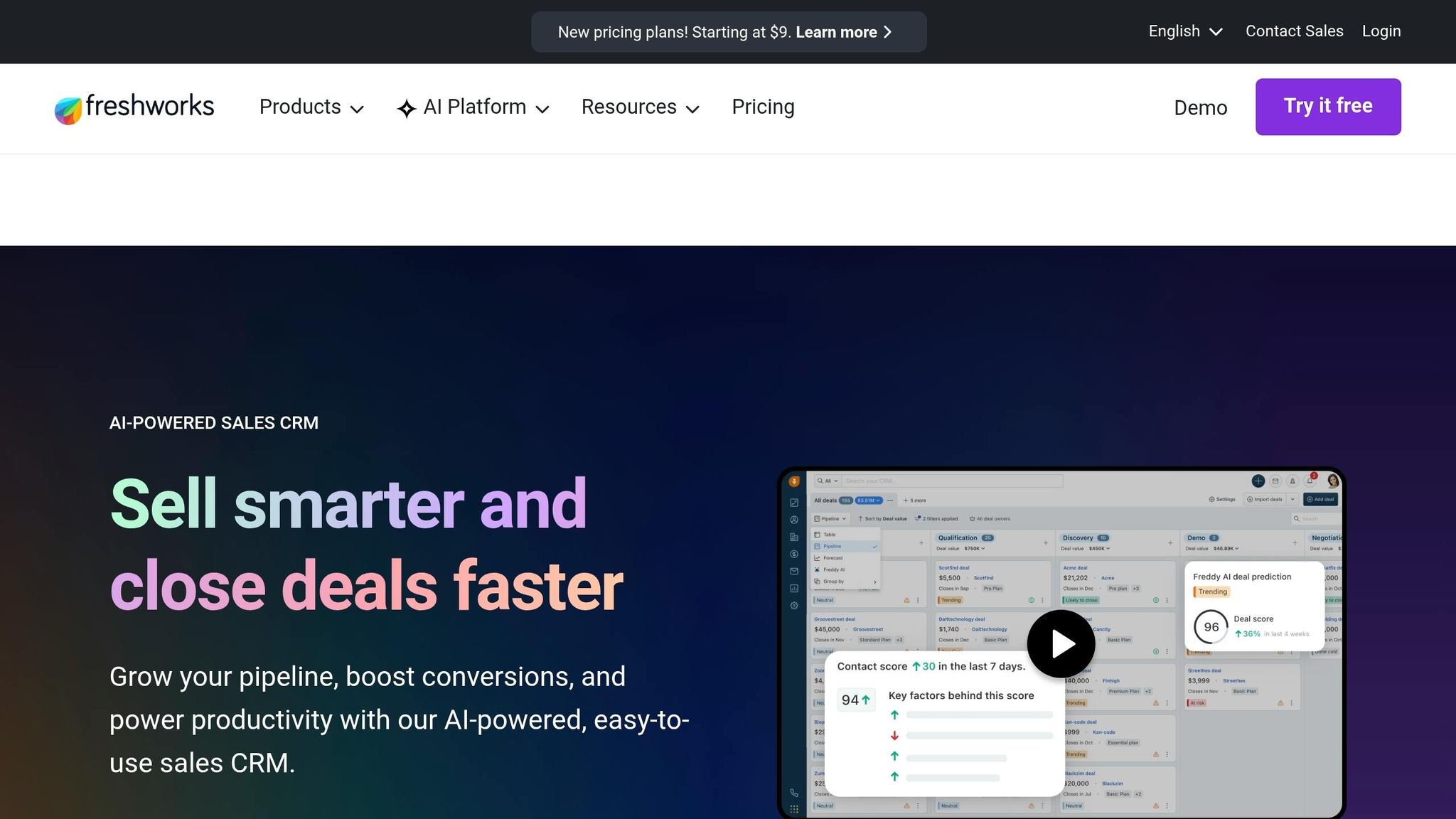
Small teams start looking beyond Freshsales when they want a CRM that does the follow-up work, not one that only recommends the next step. For many lean sales teams, that difference matters because admin time stacks up fast.
Freddy AI can suggest lead scores, deal insights, and next-best actions, but it does not run follow-ups or sequences on its own. That means reps still handle the work by hand, and many spend 8–12 hours per week on CRM upkeep and data entry [4][7].
Pricing is another pressure point. The Growth plan starts at $9 per user/month, but teams that need sales sequences, multiple pipelines, AI lead scoring, and duplicate management have to move to Pro at $39 per user/month. That's a 4.3x increase in per-user cost [4][7].
Support and product setup also come up often. Support is limited to 24/5, and users report slow, scripted help when the issue is more involved. Freshsales, Freshdesk, and Freshmarketer are also sold as separate products, and syncing them can take manual setup. On top of that, Freshsales Suite limits marketing contacts to 500 on every tier [7][8][9].
Those are the main reasons small teams start comparing other options: less manual work, lower cost creep, and fewer setup headaches.
1. K3X
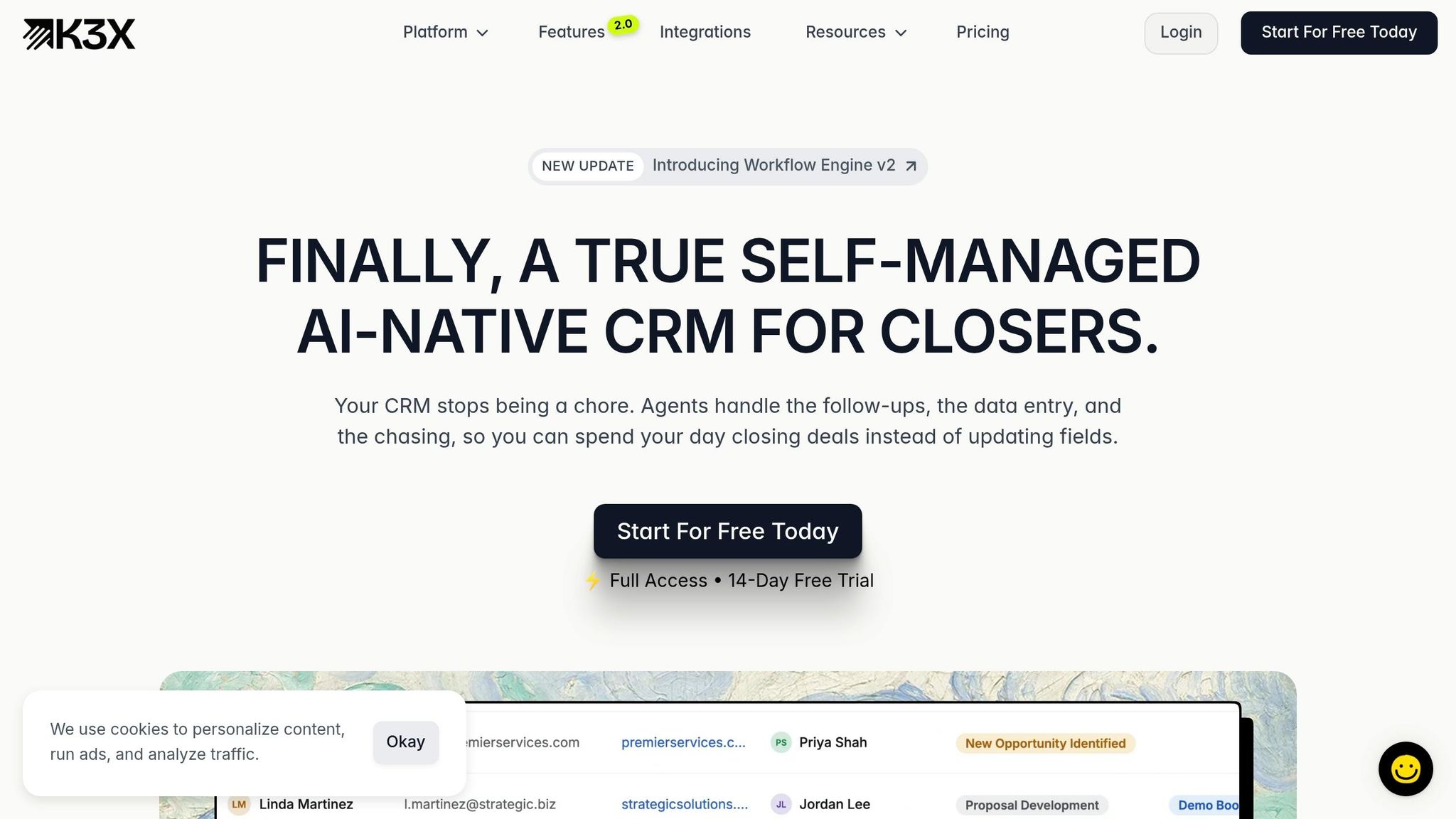
K3X is a Freshsales option for small teams that want follow-up work done from plain-language prompts, not workflow builders. Freshsales still leans on triggers, workflow setup, and manual sequences, while K3X uses AI agents to act across email, SMS, and calls from a stated outcome.
That gap matters most for teams that don't want to spend time managing workflows by hand. Instead of building logic step by step, reps can describe the result they want and let the system handle the follow-up actions.
Its follow-up plans shift as deals move forward, so actions stay tied to the goal without forcing reps to work from fixed checklists. K3X says it saves 8 hours per rep per week and has automated more than 312,000 hours of work.[1]
Setup takes less than an hour. The $20/seat/month plan includes a built-in power dialer, email, SMS, 1,000 AI credits, and unlimited integrations, with no long-term contract and a 14-day free trial at k3x.ai/pricing.
If your team wants a broader free suite instead of prompt-based automation, HubSpot CRM is the next comparison.
Best for: Teams of 1–9 that want AI to run follow-up outcomes automatically, without building workflows.
Pricing: $20/seat/month, including 1,000 AI credits, unlimited integrations, and a built-in power dialer; 14-day free trial.
Pros:
AI agents act across email, SMS, and calls from a plain-language prompt
Setup in under an hour with no CRM admin or technical background needed
Built-in power dialer and unlimited integrations included in the base plan
Cons:
Newer product with a smaller native integration catalog than older vendors
AI credit usage needs tracking; not built for enterprises that need 100+ seats or deep admin controls
2. HubSpot CRM
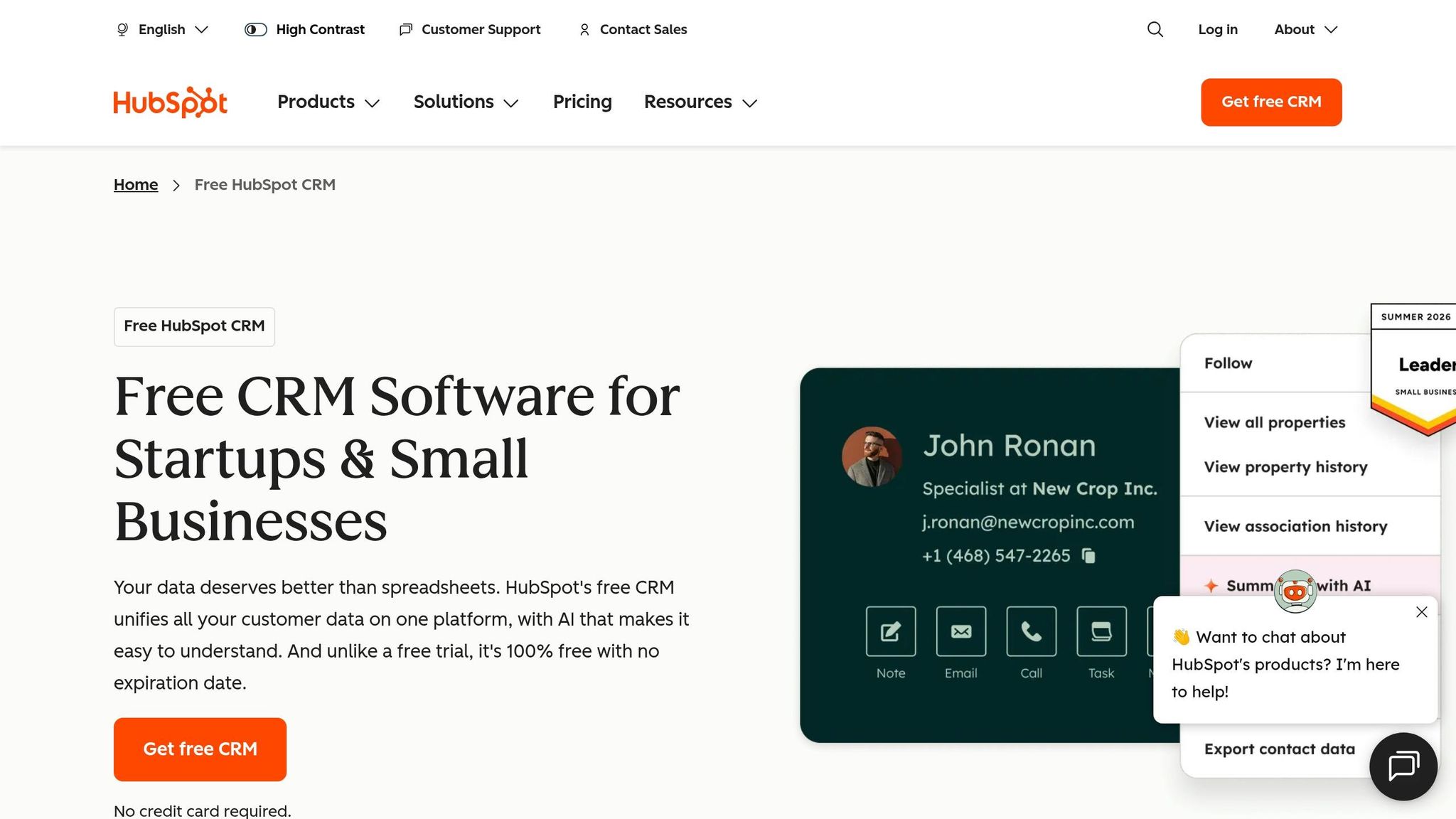
HubSpot CRM is a strong fit for small inbound teams that want marketing, sales, and service in one place. Its main draw is breadth: a large free plan, one shared database, and a much larger native app marketplace than Freshsales [2][6][7].
For teams running campaigns, landing pages, and pipeline tracking, that shared database cuts down on sync work between separate tools like Freshmarketer and Freshdesk. HubSpot also lists 1,500+ native integrations, which is far more than Freshsales offers [2][6][7]. If your team wants one system for lead capture, handoff, and follow-up, that matters.
Setup takes about 2 hours [2]. The interface is easy enough that many reps can start using it without a dedicated CRM admin, which helps small teams move fast.
The free tier supports up to 1,000,000 contacts [2]. By contrast, Freshsales’ free plan is capped at 3 users [7]. That makes HubSpot easier to start with if your main concern is storing a large number of contacts without paying on day one.
The tradeoff is feature gating. Advanced automation sits on higher plans, and Starter adds cost without including email sequences or predictive lead scoring. Those features start at the Professional tier, priced at $90–$100 per user/month, plus a one-time $1,500 onboarding fee [5]. Freshsales includes those features on lower-priced plans [8].
One thing to watch: active forms can increase contact counts fast. For inbound teams with lots of form fills, that can push you into paid tiers sooner than expected.
If you want a simpler, pipeline-first CRM instead, Pipedrive is the next comparison.
Best for: Inbound-led teams of 1–9 that want a free starting point with marketing, sales, and service tools on one platform.
Pricing: Free (up to 1M contacts); Starter at $9–$20/user/month; Professional at $90–$100/user/month plus a $1,500 onboarding fee. See HubSpot's official pricing page for current rates.
Pros:
Generous free tier for contact storage
Large native integration marketplace with 1,500+ options
Unified marketing, sales, and service data on a single database
Cons:
Email sequences and predictive lead scoring require the Professional tier
Active forms can increase contact counts fast, which can trigger earlier upgrades
3. Pipedrive

Pipedrive is a good fit for small sales teams that want a simple, visual pipeline. It works best when reps prefer to move deals by hand on a drag-and-drop board instead of relying on heavy automation.
Compared with Freshsales, Pipedrive is easier to learn and better for visual pipeline management. It gives teams a clean board and more direct control, but it also asks reps to handle follow-up more manually than K3X.
Pipedrive takes about 1 hour to configure, compared with roughly 3 hours for Freshsales [2]. Freshsales also puts some key pipeline features in higher-priced tiers, while Pipedrive offers usable pipeline management at the entry level.
Its marketplace covers many common sales-stack integrations. But there is no built-in VoIP dialer, so call-heavy teams will need a third-party tool, while Freshsales includes a native dialer on all plans [8][6].
Best for: Teams of 1–9 that care most about visual deal tracking and fast adoption.
Pricing: No free tier. Lite costs $14–$15/user/month when billed annually, and Growth costs $39/user/month [5].
Pros:
Fast setup - about 1 hour versus Freshsales' 3 hours[2]
Clean pipeline UX that reps can learn quickly
Usable pipeline management at the entry tier without forcing an immediate upgrade
Cons:
No permanent free tier, only a 14-day trial[5]
No built-in VoIP dialer, so call-heavy teams need integrations [8][6]
If you need more flexible data models and lighter admin than Pipedrive, Attio is the next comparison.
4. Attio
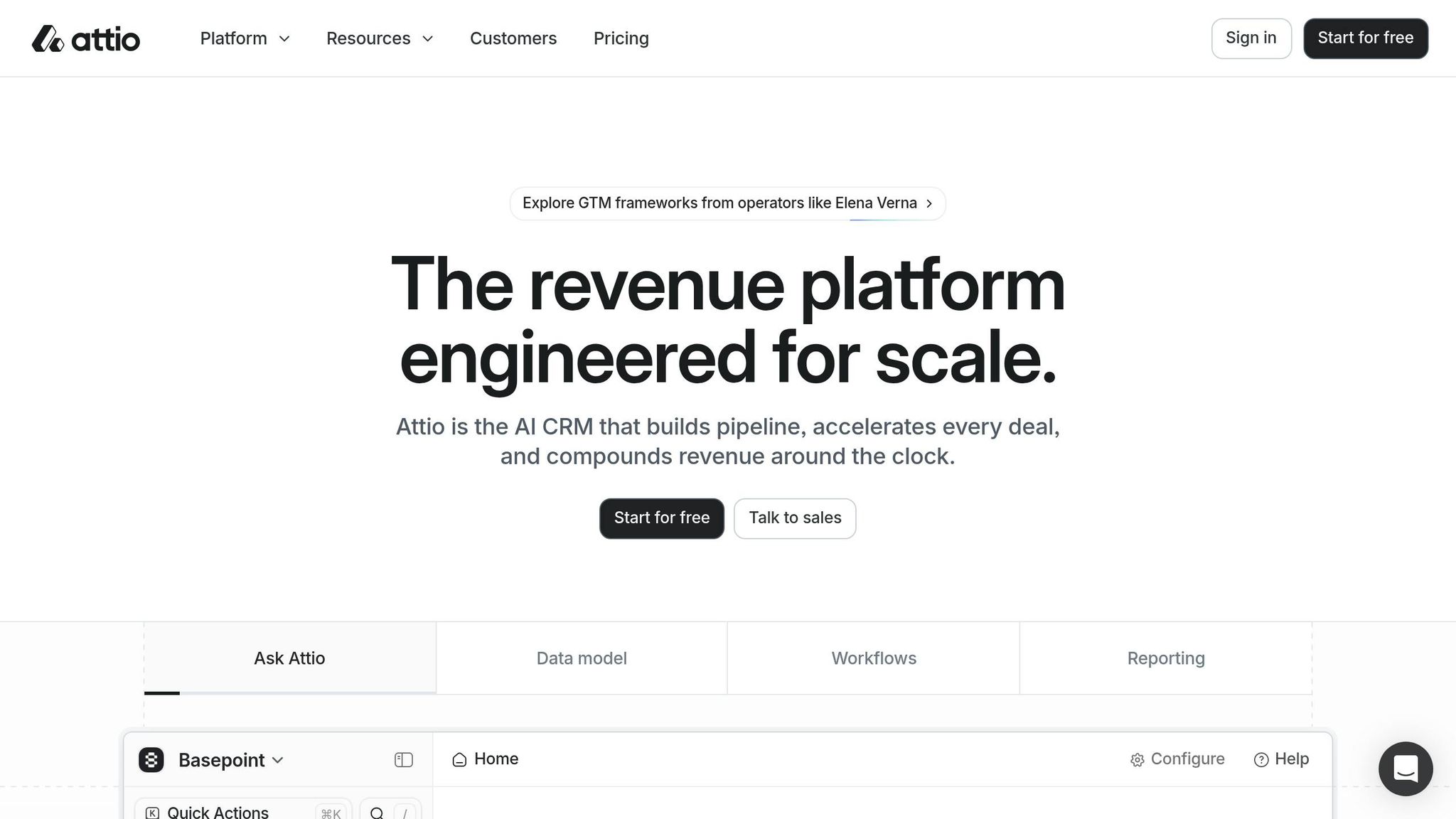
Attio is a better fit than Pipedrive when your team needs flexible data relationships, not just a fixed deal board. It works well for small teams that want to shape the CRM around custom objects and linked records.
Attio is built for teams that care more about how data connects than how a pipeline looks out of the box. That makes it a strong option for VC, recruiting, agencies, and professional services. Freshsales limits custom modules to its Enterprise tier, while Attio includes up to 5 custom objects on Plus and 12 custom objects on Pro [4].
Its free plan includes 3 users and 50,000 records at $0 [4]. That’s a generous starting point for small teams with a lot of contacts, companies, or relationship data. The main downside is setup time: Attio still depends on manual workflow building, has no native AI lead scoring, and does not include a built-in VoIP dialer below the Pro plan at $69/user/month [4].
Compared with K3X, Attio gives you more freedom in how you model accounts, contacts, deals, and other linked records. The cost of that freedom is more admin work up front. In practice, teams should expect 2+ hours of setup before automations are useful [4].
Best for: Teams of 1–9 in agencies, VCs, recruiting, and professional services that want a flexible data model and do not depend on heavy outbound calling.
Pricing: Free plan for 3 users and 50,000 records. Plus costs $29/user/month billed annually. Pro costs $69/user/month [4].
Pros:
Custom objects start on the $29 Plus plan, so you do not need an Enterprise upgrade [4]
The free plan includes 50,000 records, which helps data-heavy early-stage teams [4]
The spreadsheet-style interface makes linked records and custom objects easier to review
Cons:
No native VoIP calling below the $69 Pro plan; Freshsales includes a built-in phone on all tiers [4][8]
Automation still requires manual workflow setup, with no self-running follow-up built in [4]
If your team wants faster outbound calling and less admin work, Close is the next comparison.
5. Close
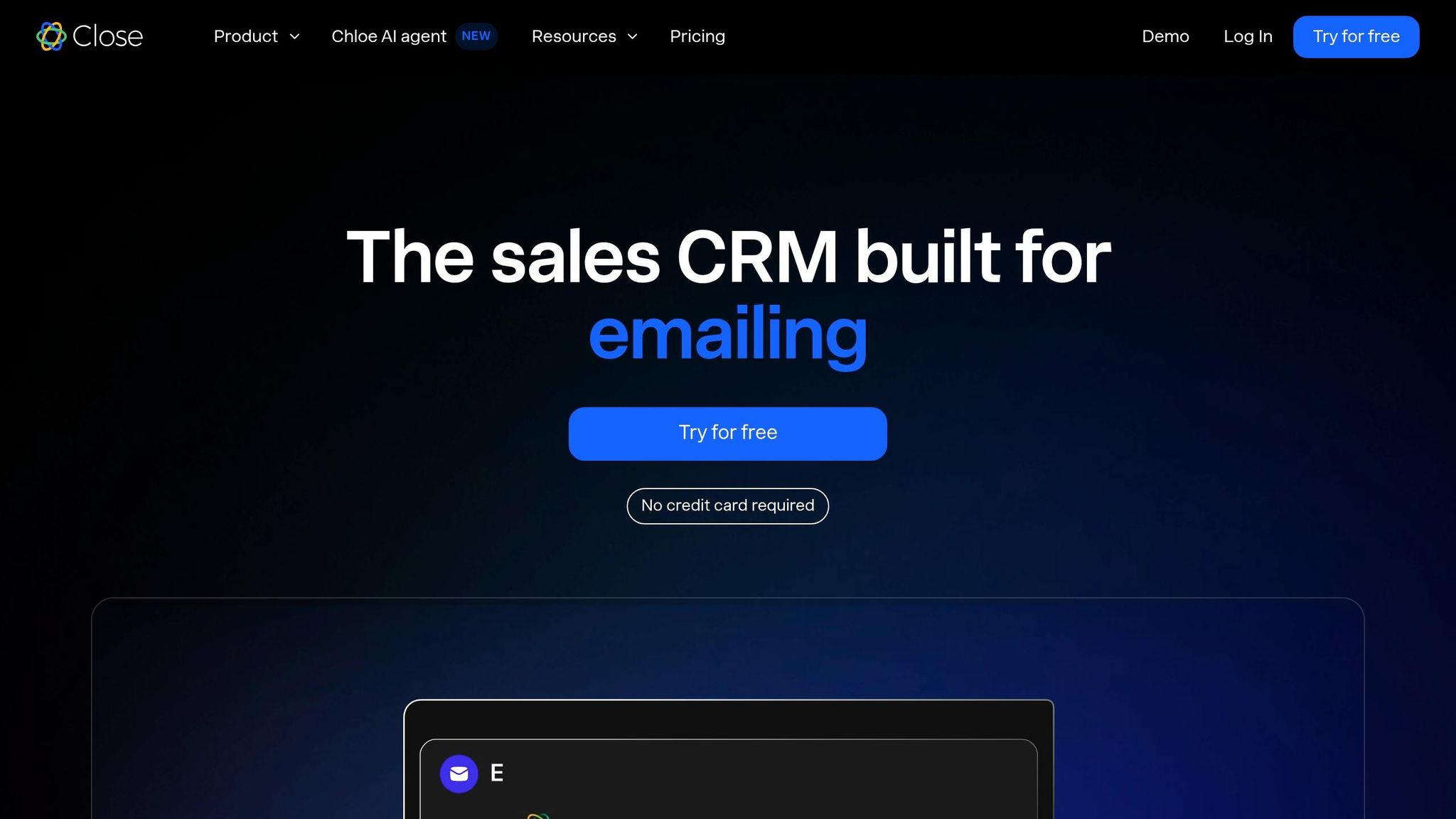
Close is a better fit than Freshsales for small outbound teams that spend most of the day on the phone. It is built around calling speed and rep workflow, not prompt-based automation. Freshsales has built-in calling, but Close is designed for outbound teams that need a power dialer, SMS sequences, and call recording in one screen [9][2]. If your main goal is automatic execution instead of rep-managed calling, K3X is the closer match.
Close also gets up and running fast. Setup takes about 2 hours, which is less time than Freshsales, and the simpler outbound workflow cuts down on tool switching during the day [2][8]. That helps teams get started fast, though the work is still more manual than with AI-native tools. Freshsales puts sequences on higher-tier plans, while Close includes automated calling and SMS workflows starting at $29 per user/month [2][4][9]. When calling is the core process, Close has the edge. When automatic execution matters more, K3X fits better.
There is a clear tradeoff on pricing and channel coverage. Close does not offer a permanent free plan; it only has a 14-day trial, while Freshsales has a free plan for up to 3 users [2][4]. Close also does not include native AI lead scoring or built-in WhatsApp and Chat campaigns, both of which Freshsales offers on its Growth and Pro plans [7].
Best for: Teams of 1–9 running high-volume outbound sales that want a built-in dialer, SMS, and email in one system.
Pricing: Starts at $29/user/month. No permanent free plan. 14-day trial [2][9].
Pros:
Power dialer, call recording, and native SMS sequences are built in, so reps can work from one place [9]
Setup takes about 2 hours, which is faster than a basic Freshsales setup [2]
Call-first interface made for outbound sales
Cons:
If you need more admin control than a phone-first setup, Zoho CRM is the next comparison.
6. Zoho CRM
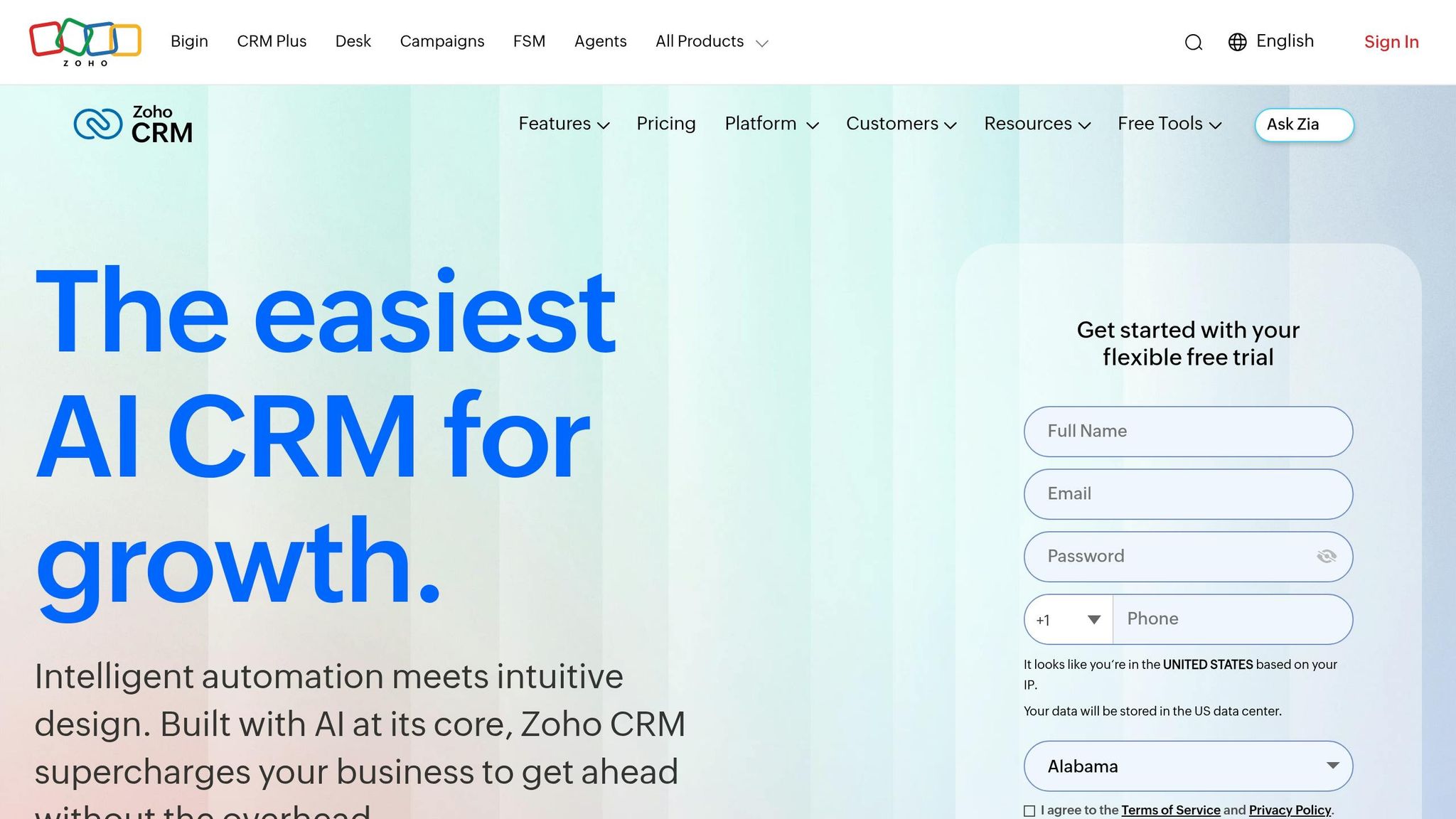
Zoho CRM is a stronger Freshsales alternative for small teams that need deeper customization and reporting. It also makes sense if you already use Zoho Books, Desk, or Projects, since your data stays within the same product family.
That said, Zoho usually takes days to configure, not an hour, and that setup time is a real cost for small teams that need to move fast [5][7]. Freshsales can often get teams up and running within an hour, while Zoho needs more upfront work before its added depth starts to pay off.
Pricing becomes more relevant once you look past entry-level use. Zoho’s Professional plan costs $23/user/month and gives you more automation depth than Freshsales Pro, while the Enterprise plan costs $40/user/month and adds Zia AI [5]. Zoho still leans on manual workflow design, so K3X is the better fit if you want outcomes executed automatically.
Best for: Teams of 1–9 that need deep customization, advanced reporting, or already use Zoho apps and can spend time configuring the CRM.
Pricing: Starts at $14/user/month for the Standard plan, billed annually.
Pros:
More features per dollar at mid- and high-tier plans than Freshsales, especially for reporting and custom modules
Strong fit if you already use Zoho Books, Desk, or Projects
Workflow automation depth exceeds Freshsales for more complex sales motions
Cons:
Setup takes days, not hours, so it is a poor fit if you need immediate productivity
The learning curve is steeper for non-technical founders
If your team wants a lighter CRM with less setup, Folk is next.
7. Folk
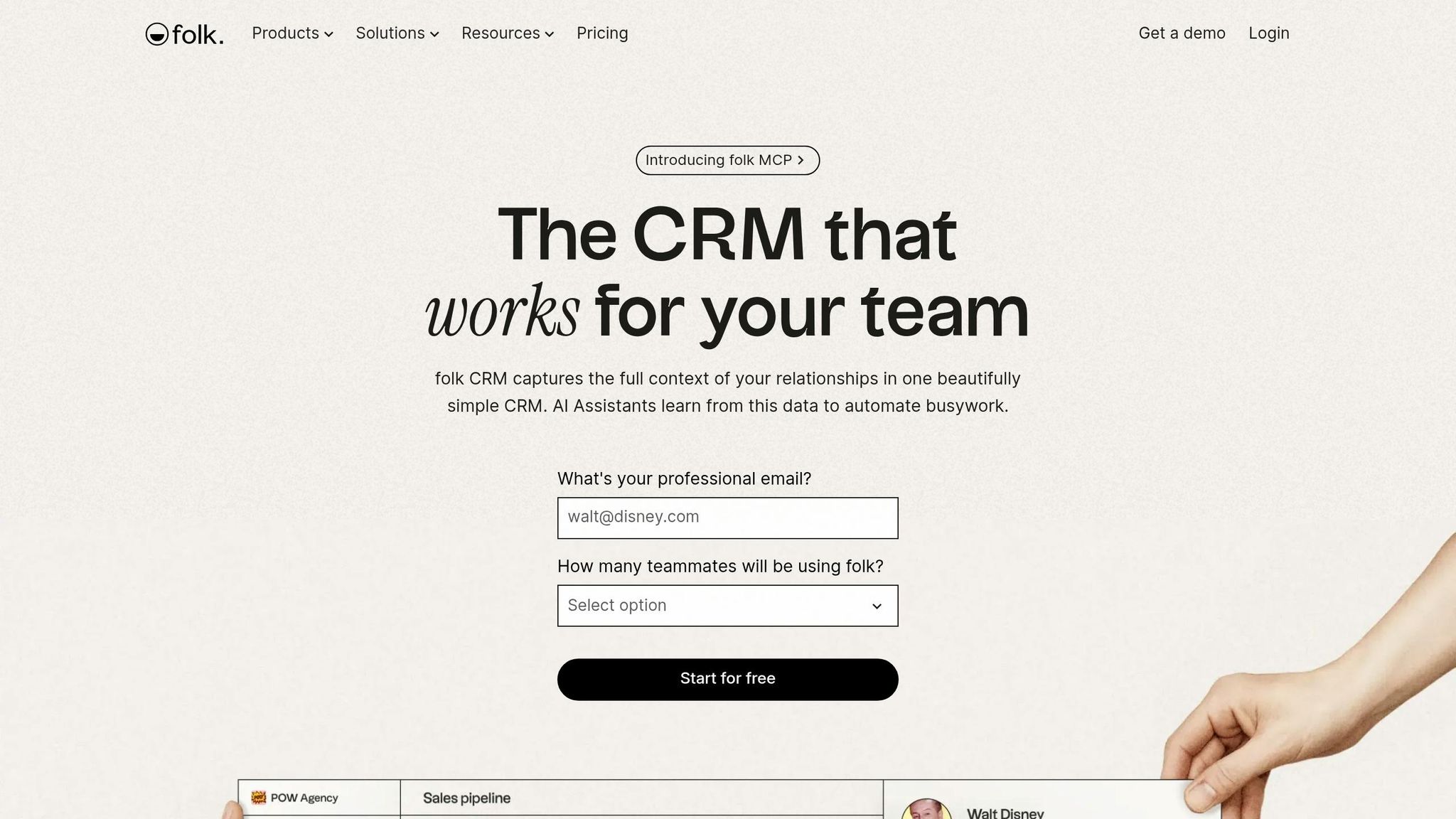
Folk is a better fit for small, relationship-led teams than call-heavy sales teams. If your motion runs on LinkedIn networking, warm email, and WhatsApp, Folk fits better than Freshsales and takes about 45 minutes to set up [2][3].
That setup time matters because Folk is built to cut manual contact capture and record enrichment, not to run a full sales engine. It focuses on smart groups, message templates, folkX for one-click LinkedIn capture, and Magic Fields for AI-based enrichment [2][3][10]. Unlike K3X, Folk helps teams capture and enrich contacts, but it does not run follow-up from prompts.
There’s a clear trade-off. Folk has weaker forecasting and quota tracking than Freshsales, so it’s not the right pick if you need structured forecasting or high-volume outbound work [2]. Its free plan also tops out at 100 contacts, which is too small for active prospecting [3].
Best for: Teams of 1–9 that sell through warm relationships and LinkedIn outreach.
Pricing: Free tier available for up to 100 contacts [3]. Paid plans start at $20/user/month [2].
Pros:
folkX Chrome extension captures and enriches LinkedIn profiles in one click [3]
Magic Fields summarizes companies, classifies contacts, and enriches records with web research [10]
Setup takes about 45 minutes[2]
Cons:
Weaker forecasting and quota tracking than Freshsales [2]
The 100-contact free tier is too small for active prospecting [3]
Use the comparison table below to check pricing, setup style, and automation depth across all seven CRMs.
How do these 7 Freshsales alternatives compare side by side?
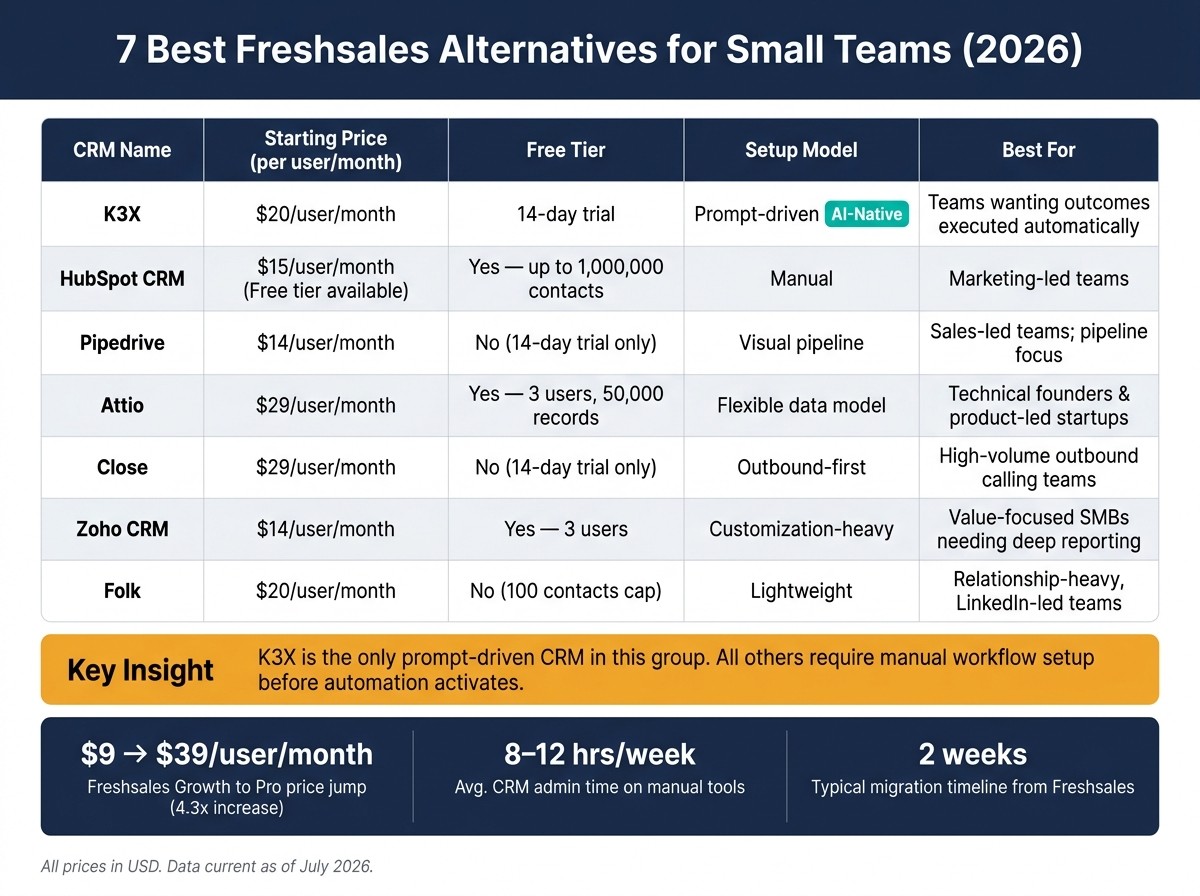
7 Best Freshsales Alternatives for Small Teams (2026): Side-by-Side Comparison
The main difference is simple: K3X uses prompt-driven automation, while the other tools rely on manual setup before automation does anything. If your team wants less admin work, that split matters right away.
All prices below are in U.S. dollars and current as of July 2026.
CRM | Starting Price (per user/month) | Free Tier | Setup Model | Automation Depth | Best For |
|---|---|---|---|---|---|
K3X | $20 [1] | 14-day trial [1] | Prompt-driven | Autonomous AI agents | Teams wanting outcomes executed automatically [1] |
HubSpot CRM | $15 [2] | Yes (up to 1,000,000 contacts) [2] | Manual | Moderate | Marketing-led teams [2] |
Pipedrive | $14 [5] | No [5] | Visual pipeline | Moderate | Sales-led teams; pipeline focus [2] |
Attio | $29 [4] | Yes (3 users, 50,000 records) [4] | Flexible data model | Moderate | Technical founders and product-led startups [4] |
Close | $29 [9] | No [9] | Outbound-first | High (communication sequences) | High-volume outbound calling teams [2] |
Zoho CRM | $14 [5] | Yes (3 users) [5] | Customization-heavy | High | Value-focused SMBs [5] |
Folk | $20 [2] | No [3] | Lightweight | Basic | Relationship-heavy teams [2] |
A few patterns stand out. HubSpot CRM and Zoho CRM offer free tiers, but both still need hands-on setup to shape pipelines, workflows, and rules [2][5]. Pipedrive and Close lean more toward sales execution, with Close geared to teams that run a lot of calls and sequences [2][9].
Attio fits teams that want more control over how records and relationships are modeled, especially product-led startups and technical founders [4]. Folk sits at the lighter end of the group, with simpler automation and a stronger fit for teams that manage relationship-based selling rather than strict pipeline operations [2][3].
K3X is the only prompt-driven option in this set. Every other tool depends on manual workflow configuration before automation starts, so the tradeoff is less about feature checklists and more about how much setup work your team is willing to own.
If your shortlist is down to K3X, Freshsales, or HubSpot, the next section looks at that choice directly.
K3X, Freshsales, or HubSpot CRM: which one fits your team?
The short answer is simple: pick the tool that matches how your team works day to day. K3X is for teams that want the CRM to do the work, Freshsales fits teams that still want a standard rep-led CRM setup, and HubSpot CRM works best for teams that want a broader inbound system.
If your shortlist is down to these three, use the operating model that matches your team. Pick based on who does the work: K3X executes outcomes automatically, Freshsales keeps reps in a standard CRM flow, and HubSpot adds a broader inbound stack.
Choose K3X if you want the CRM to act on a plain-language outcome instead of making reps build workflows. It is the only option here that executes follow-ups across email, SMS, and calls from a stated prompt, with no sequences or triggers to configure. See how teams use this in our real-world CRM case studies.
Stay with Freshsales if your team already uses Freshworks and wants built-in calling, sequences, and shared customer history. It fits best when staying inside the Freshworks ecosystem matters more than cutting admin work.
Choose HubSpot CRM if you want a free starting point and can accept higher automation costs as you scale. Advanced automation needs the Professional tier, so the tradeoff is a low entry cost now against a steeper upgrade later [2][5].
Use the table below to compare price, setup, and automation depth at a glance.
K3X | Freshsales | HubSpot CRM | |
|---|---|---|---|
AI approach | AI-native (executes work) | AI-assisted (suggests actions) | AI-assisted (marketing/sales/service) |
Starting price | $20/seat/month [1] | $18/user/month [6] | $0 free / $20/seat/month [2] |
AI automation unlocked at | Included in Starter [1] | Pro ($39/user/month) [7] | |
Best for | Teams wanting minimal admin | Teams in the Freshworks ecosystem | Inbound-led teams |
How long does it take to migrate off Freshsales?
Plan for about two weeks of calendar time to move off Freshsales. In terms of admin work, most teams spend 11–19 hours with a manual CRM and 3–6 hours with a prompt-driven CRM such as K3X.
The main time difference comes from setup work after the data import. Manual CRMs often mean rebuilding workflows and email sequences step by step, while K3X can turn the same prompt into a live workflow in minutes.
Migration Step | Manual CRM (e.g., HubSpot, Pipedrive) | Prompt-Driven CRM (e.g., K3X) |
|---|---|---|
Exporting data from Freshsales | 30–60 mins | 30–60 mins |
Cleaning & mapping fields | 1–2 hours | 15–30 mins |
Importing records | 1–2 hours | 1–2 hours |
Rebuilding pipelines & automations | 4–8 hours [8] | Seconds to 5 mins [1] |
Reconnecting email & integrations | 1–2 hours | 10–20 mins |
Redirecting forms | 1 hour | 1 hour |
Testing reporting & permissions | 2–4 hours | 30–60 mins |
Training the team | 30 mins [2] | 30 mins [2] |
Total admin effort | ~11–19 hours | ~3–6 hours |
The biggest risk is usually custom-field mapping. That’s where teams lose time, and it’s also one of the main reasons records, workflows, or old activity data fail to come across cleanly.
Historical activity logs are another common trouble spot. If your team relies on past calls, emails, notes, or deal-stage history, check those records early rather than waiting until go-live.
It also helps to do the move during a slower sales window. That cuts down on rep disruption and gives ops time to test imports, permissions, and reports before the whole team depends on the new system [2].
Once the new CRM is live, check usage fast. Run a 30-day adoption review and look at seat activity; if fewer than 80% of seats are active, the new CRM is likely a poor fit [2] [7].
Frequently asked questions about Freshsales alternatives
These answers focus on fit, pricing, switching, and the gap between AI-native and AI-assisted CRMs.
What is the best Freshsales alternative for small teams?
For teams with 1–9 users, K3X is the top fit in July 2026 if you want the CRM to handle follow-up work on its own. HubSpot CRM fits teams that want a familiar UI and a free starting point, while Pipedrive fits teams that want tighter pipeline control [2].
Is there a cheaper alternative to Freshsales?
Yes. HubSpot offers a free tier, and Pipedrive starts below Freshsales Growth [2][6]. That makes both lower-cost entry options, while K3X is the paid option if you want prompt-driven execution [1].
What are the smoothest switches from Freshsales?
Pipedrive and HubSpot are usually the easiest moves from Freshsales. Their import tools are simple, and Pipedrive can be up and running in about an hour [2].
That matters if your team wants to move fast without rebuilding every part of the process on day one.
What is the difference between AI-assisted and AI-native CRMs?
AI-assisted CRMs layer AI onto standard workflows, so reps still need to do most of the work inside those flows. AI-native CRMs such as K3X work from prompts: you state the result you want, and AI agents run follow-ups and outreach across email, SMS, and calls [1][4][8].
In plain terms, one model helps the rep work faster. The other tries to do the work for the rep.
Can I migrate Freshsales data without losing deal history?
Usually, yes, but past activity logs often do not transfer cleanly [2][8]. Core records tend to move over, while timeline detail is more likely to break or need cleanup.
Plan time to rebuild custom workflows and sequences after import. In most switches, that is the slowest part of the move [8].
Which Freshsales alternative is best for outbound teams?
Close fits outbound teams that rely on calling. K3X fits teams that want the CRM to carry out follow-up outcomes on its own [1][9].
The split is simple: Close is built around a power dialer and sequences, while K3X removes workflow setup and leans on prompt-driven execution [1][9].
Final verdict: which Freshsales alternative should small teams pick?
The best pick depends on how your team works day to day. K3X is best for teams that want work done for them, Freshsales suits teams that want a standard rep-led CRM, and HubSpot fits teams that want sales and marketing in one system.
K3X fits teams of 1–9 that want follow-up handled with little manual effort. You describe the result in plain language, and K3X's AI agents act across email, SMS, and calls - without sequences to build or triggers to set up. At $20 per seat/month, with 1,000 AI credits and a built-in power dialer, it cuts much of the admin work that slows small sales teams [1].
There are tradeoffs. K3X is newer, has a smaller native integration catalog than older vendors, and teams need to watch AI credit usage.
Stay with Freshsales if your team already uses Freshworks and wants built-in calling, sequences, and a familiar UI more than hands-off automation.
If prompt-driven automation feels like too much change, HubSpot is the next best fit for teams that want a broader suite and a free starting tier. HubSpot CRM works well for marketing-led teams or teams that expect to grow into a full revenue platform. Its Professional plan starts at $90/user/month, and its 1,500+ native apps matter when sales and marketing need to stay closely connected [2][6].
If your team does not need a full revenue platform, a simple pipeline board is often enough. Pipedrive fits teams that want clear deal visibility and light automation. It starts at $14–$15/user/month and takes about one hour to set up [5].
Choose K3X for automation, HubSpot for breadth, and Pipedrive for pipeline simplicity. Pick the CRM that fits how your team already works.