Sales Automation
•
Best HubSpot Alternatives for Sales Automation in 2026
Compare the best HubSpot alternatives for sales automation with verdicts on which to pick for enterprise, SMBs, outbound, and AI-first teams.

K3X, Salesforce, Pipedrive, Zoho CRM, monday.com Sales CRM, Close, and Attio are the top HubSpot alternatives for sales automation in 2026. Each platform offers distinct strengths depending on team size, budget, and automation needs. For AI-driven workflows, K3X stands out with its goal-based automation and flat $20 per user pricing. Salesforce is best for large enterprises, while Pipedrive and Zoho CRM cater to smaller teams with lower costs and simpler setups. Close is ideal for outbound-focused teams, and Attio suits startups needing flexible data models. monday.com Sales CRM works well for teams already using its project management tools.
HubSpot's pricing and onboarding costs, combined with its complexity, have led teams to explore leaner options. AI integration is now a key factor, with 83% of companies adopting AI in CRM workflows. This shift highlights the need for platforms that deliver both automation and cost efficiency.

Best HubSpot Alternatives for Sales Automation 2026: Side-by-Side Comparison
Close CRM vs Hubspot (2026) - Which One Is BETTER?
1. K3X
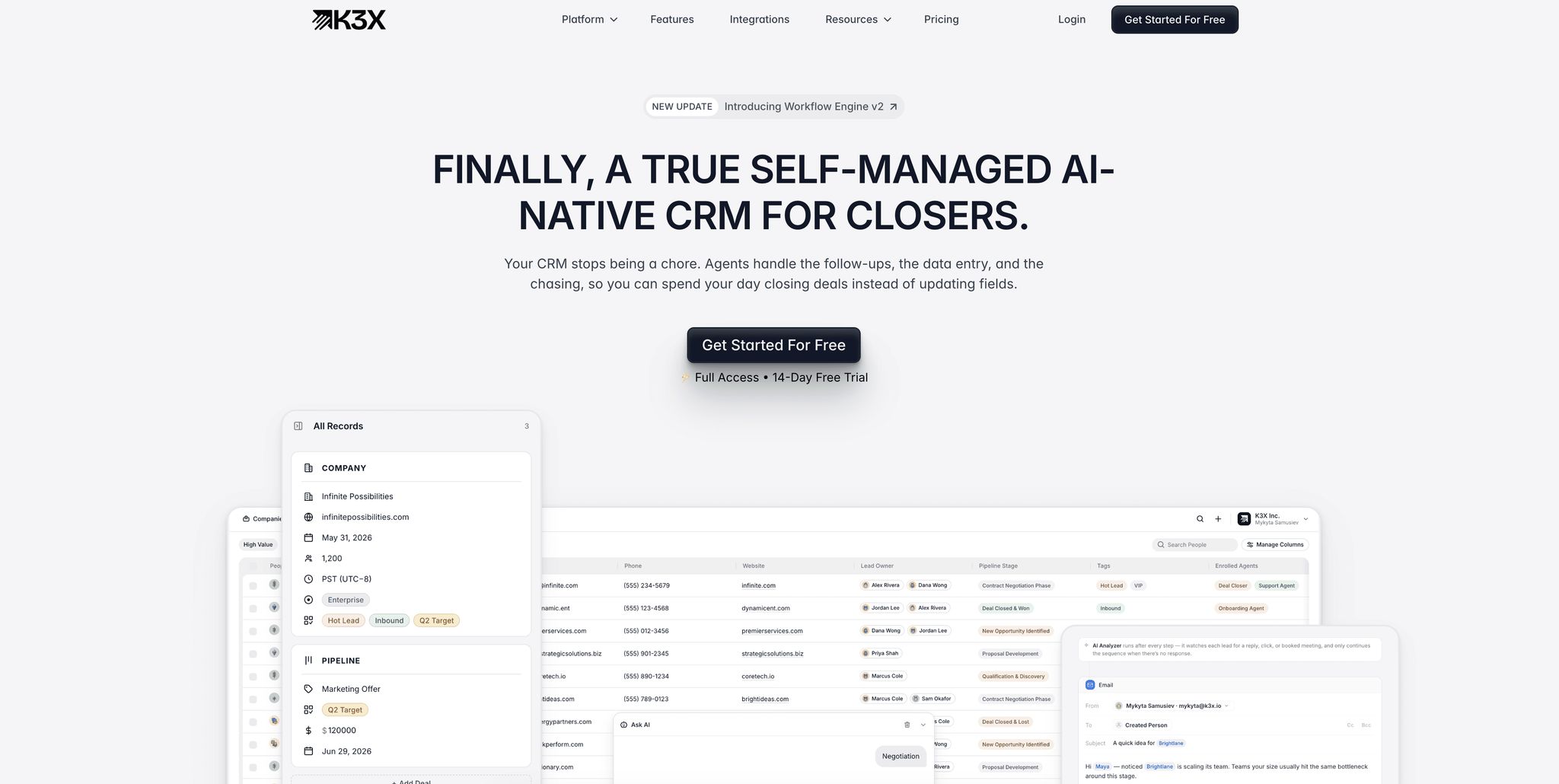
K3X is an AI-driven CRM designed to focus on achieving outcomes rather than managing workflows. Instead of building complex sequences, users simply state their goals (e.g., "Book demo calls with unresponsive leads"), and the AI takes care of the execution. This makes it a practical alternative to HubSpot for teams looking to streamline automation while minimizing administrative tasks.
Automation Model
Traditional CRMs like HubSpot and Salesforce rely on linear workflows: triggers are set, steps are mapped, and the process follows a predefined path. However, if something unexpected occurs, these flows can break. K3X takes a different approach by prioritizing objectives over steps.
"Most systems are linear. They follow fixed steps - and if something unexpected happens, the flow breaks... K3X works on goals. Instead of defining steps like 'Send this email, then wait,' you define the objective." - Mykyta Samusiev, Co-Founder & CEO, K3X [4]
With K3X, there’s no need for Zapier connections or maintaining complex flowcharts. Most teams can get the system up and running in under an hour [4], a stark contrast to the weeks or months often required for HubSpot or Salesforce implementations.
This goal-focused framework, combined with its AI capabilities, simplifies sales processes and eliminates time-consuming administrative tasks.
AI Capabilities
K3X’s AI automates tasks that typically require manual effort, such as logging emails, recording calls, updating contact details, and adjusting follow-ups based on lead behavior. The platform refers to this as "self-filling" data entry, where the AI automatically captures and organizes information.
For example, if a lead responds unexpectedly, K3X adjusts the follow-up process in real time. This sets it apart from tools like Pipedrive’s AI Sales Assistant, which provides suggestions but still depends on user actions, or Zoho’s Zia, which emphasizes lead scoring rather than autonomous execution [11][16].
In December 2025, Ruby Capital Group, a company with 125 employees, implemented K3X to manage lead qualification and contract routing. The setup took just two days and led to a 70% reduction in time spent on follow-ups and a 3x increase in ticket resolution speed. CEO Michael Chkechkov shared:
"The automation handles everything from lead qualification to contract routing, and our close rates have never been higher." [4]
K3X’s users have collectively saved over 312,000 hours of work, cutting operational costs by an estimated $12.4 million [4].
These efficiency gains are further supported by K3X’s straightforward pricing model.
Pricing
K3X offers a single "Adaptive" plan priced at $20 per seat/month, with no long-term contracts or onboarding fees. The pricing adjusts during periods of high activity and reverts to the $20 base during slower months. This flexibility sets it apart from competitors that use rigid tiered pricing structures [4].
Feature | K3X | HubSpot Sales Hub | Salesforce Sales Cloud |
|---|---|---|---|
Base Price | $20/seat/mo [4] | ||
Setup Time | Under 1 hour [4] | ||
Automation Logic | Outcome-based (Goals) [4] | Sequence-based (Steps) [6] | Script/Process-based [2] |
Admin Required | None [4] | Minimal to moderate [2] | |
Onboarding Fees | None | Varies (often significant) |
Best Fit Use Cases
K3X is ideal for revenue-focused teams handling high lead volumes where consistent follow-ups are essential, and manual CRM management slows progress. It’s particularly effective for outbound sales teams, SDR-heavy organizations, and growth-stage companies that need automation to scale operations without hiring dedicated CRM administrators. Teams transitioning from spreadsheets or simple tools but seeking to avoid the complexity of Salesforce will appreciate K3X’s goal-driven approach. This system reflects the growing shift toward AI-powered CRM automation in 2026.
2. Salesforce

Salesforce dominates the enterprise CRM market, commanding 20.7% of the global CRM market and serving 90% of Fortune 500 companies [24]. It offers an extensive range of features but requires significant operational effort to manage effectively.
Automation Model
Salesforce provides robust automation capabilities through tools like Flow Builder, Apex code, and Lightning components [1][2]. These allow large teams to design and control intricate workflows, such as multi-territory routing, approval chains, and quote-to-cash processes. However, this flexibility comes at a cost: implementation typically takes between 3 and 12 months and often necessitates a certified Salesforce Administrator [6].
Arjan KC of Gurkha Technology aptly describes Salesforce as:
"a highly customizable database that doubles as a sales tool." [1]
While its customization options are powerful, they can be overwhelming for smaller teams, especially when compared to simpler platforms like K3X, which can be operational in under an hour without requiring an administrator [4].
AI Capabilities
In 2024–2025, Salesforce rebranded its AI layer as Agentforce, transitioning from Einstein copilots to autonomous AI agents capable of handling complex tasks across sales, service, and marketing workflows [6][19]. By early 2026, Agentforce powered more than 3 billion monthly workflows for 18,500 customers, with Einstein delivering over 1 trillion AI-driven predictions each week [19][20].
Agentforce excels in tasks like lead qualification and support routing, achieving 95% accuracy [13]. Its Conversation Insights tool further enhances functionality by transcribing calls and analyzing sentiment automatically [15][20]. However, meaningful use of these features requires configuration through Agent Builder and Apex [19].
Unlike K3X, which can autonomously execute tasks based on natural-language prompts like "Book demo calls with unresponsive leads" [4], Salesforce demands pre-programming and scripting for its AI agents to function effectively [21].
Pricing
In August 2025, Salesforce raised its prices, increasing the Enterprise tier from $165 to $175/user/month and the Unlimited tier from $300 to $350/user/month [6]. Full API access, essential for most integrations, is only available at the Enterprise tier or higher [22].
Edition | Price (per user/mo) | Key Sales Automation Features |
|---|---|---|
Starter Suite | $25 | Basic CRM, lead/opportunity management |
Pro Suite | $100 | Sales quoting, forecasting, limited automation |
Enterprise | $175 | Full API access, custom objects, advanced workflows |
Unlimited | $350 | Einstein AI, Sales Engagement, Full Sandbox |
Agentforce 1 | $550 | Unmetered AI, Data Cloud, Tableau Next |
Beyond licensing fees, implementation costs for small and medium-sized businesses (SMBs) typically range from $5,000 to $50,000, and hiring a US-based Salesforce Administrator adds an annual cost of $100,000 to $160,000 [23]. Mark Bishop, Editor at SaaS True Cost, notes:
"Salesforce remains the platform of choice above 100 seats because of customization depth, but real cost is 2–3x the list seat price after implementation." [5]
Best Fit Use Cases
Salesforce is ideal for large B2B enterprises with complex sales operations, typically involving 100+ sales reps. It excels in scenarios requiring multi-territory forecasting, regulatory compliance, custom object structures, and extensive integration with ERP and marketing systems [6][22]. Its ecosystem, which includes over 7,000 AppExchange apps, makes it the most extensible CRM platform available.
However, for smaller teams or businesses generating less than $20M in annual revenue, the high costs and operational demands may outweigh the benefits. In such cases, platforms with faster setup times and lower maintenance requirements are often a better fit [23].
3. Pipedrive

Pipedrive provides a straightforward, pipeline-focused CRM tailored for small to mid-sized sales teams, steering clear of the complexity often associated with enterprise platforms like Salesforce. With over 100,000 companies across 179 countries using it [26], Pipedrive's core philosophy is simple: keep sales reps focused on actionable steps to move deals forward.
Automation Model
Pipedrive stands out with its activity-based selling framework and a highly visual drag-and-drop Kanban pipeline, earning an 8.9/10 ease-of-use rating on G2 [25]. Most teams can get up and running in as little as 45 minutes to three days [14]. Its automation features, available from the Growth tier onward, are rules-based, with the Ultimate plan supporting up to 250 automations. A 2025 update introduced conditional branching logic (if/then), enabling more complex workflows, such as lead routing, without requiring custom code [26]. While Pipedrive's automation relies on pre-defined rules rather than AI-driven triggers, its simplicity and functionality make it a solid choice for many sales teams.
AI Capabilities
In addition to its pipeline management tools, Pipedrive has expanded its AI offerings to streamline sales processes. The Pulse AI Toolkit, introduced in 2025, includes features like Data Enrichment, Custom Scoring, Sequences, and a real-time Activity Feed [26]. The platform also features an AI Sales Assistant, powered by OpenAI, which suggests next best actions, identifies at-risk deals, and drafts emails. Insights AI further enhances usability by allowing users to create reports and dashboards using plain-language commands, reflecting the growing trend toward natural language interfaces. While these AI tools are helpful, they act as assistants rather than taking autonomous actions, distinguishing Pipedrive from AI-native platforms like K3X [4].
Pricing
In November 2025, Pipedrive revamped its pricing structure, introducing four new plans. Below is a breakdown of the current annual pricing:
Plan | Price (per user/mo) | Key Automation & AI Features |
|---|---|---|
Lite | $14 | Visual pipeline, AI-powered report creation |
Growth | $39 | AI Sales Assistant, workflow automations, email sequences |
Premium | $59 | Full Pulse AI Toolkit, Insights AI, LeadBooster, Smart Docs |
Ultimate | ~$79 | Full AI suite, sandbox testing, unlimited automations, advanced security |
Add-ons like LeadBooster (web forms and live chat) and Campaigns (email marketing) come at additional costs of $32.50/month and $13.33/month, respectively [14]. Even with these extras, Pipedrive's total cost of ownership is typically 40%–70% lower than Salesforce for a 10-person team, factoring in administrative and implementation expenses [29].
Best Fit Use Cases
Pipedrive is ideal for small sales teams of 3 to 30 members who need a focused pipeline tool without the complexity of multi-department platforms. It works particularly well in B2B settings where sales reps follow a repeatable process, such as SaaS account executives, agency business development teams, or field sales representatives. Its user-friendly design makes it a strong alternative to more admin-heavy platforms like Salesforce or HubSpot.
However, teams seeking fully autonomous, AI-driven capabilities may prefer K3X, while those requiring integrated marketing and service tools might find Pipedrive less suitable. As David Paul, CRM Analyst at Best CRM Reviews, puts it:
"Pipedrive is the better CRM for teams that sell. HubSpot is the better platform for teams that market and sell." [27]
For teams with over 50 members or those needing custom object modeling, Pipedrive's data structure may feel restrictive compared to options like Salesforce or Zoho CRM [29].
4. Zoho CRM
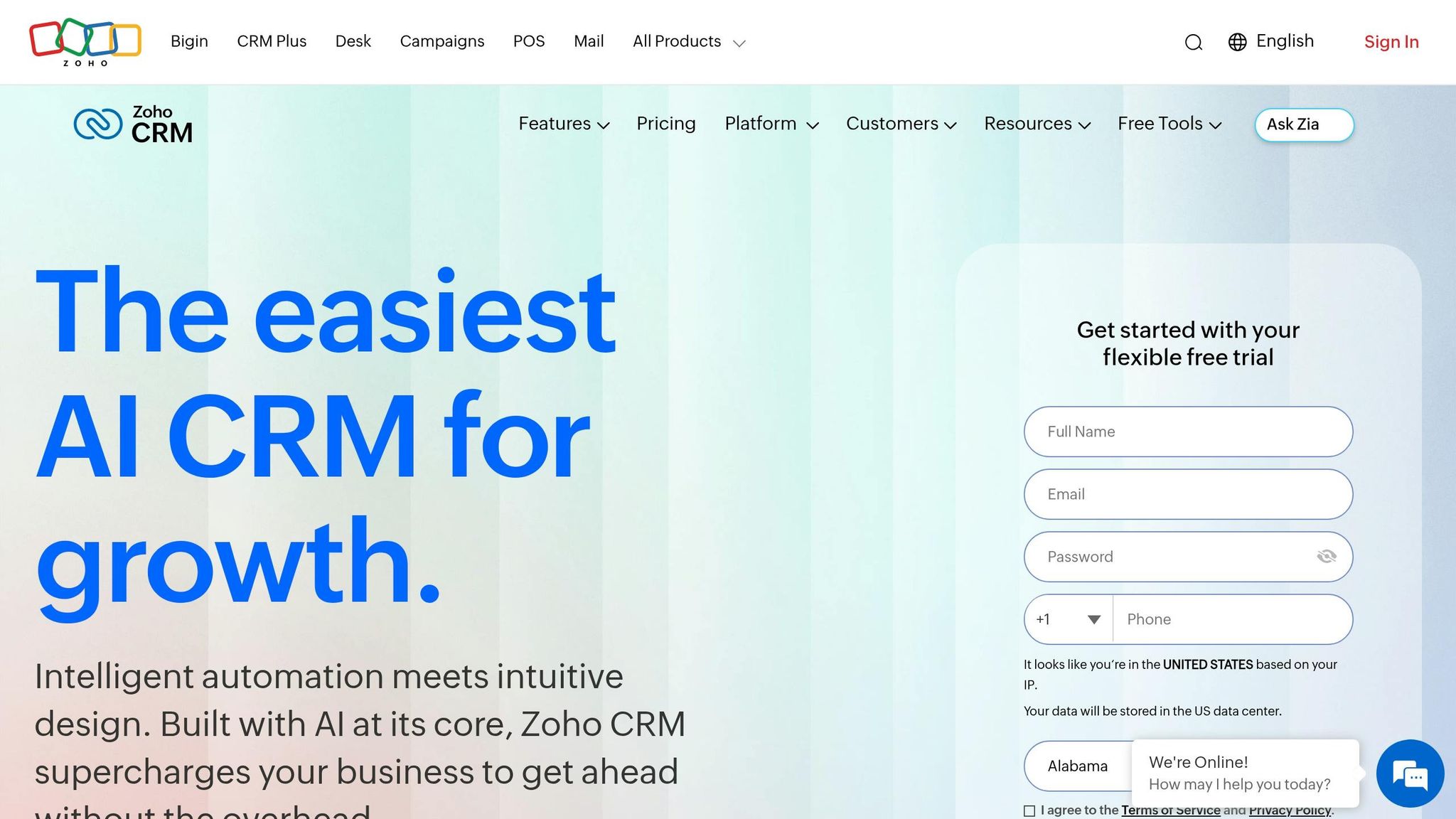
Zoho CRM is a budget-friendly option used by over 250,000 businesses worldwide as of 2026 [7]. It offers extensive customization options like sandboxes, territory management, and advanced AI features at a lower price compared to Salesforce or HubSpot. However, its complex interface and steeper learning curve can make it harder for teams to get started quickly.
Automation Model
Zoho takes automation beyond basic workflows with tools like Blueprint, which allows teams to visually design and enforce specific sales processes. This ensures that sales representatives complete required steps before advancing deals. At the Enterprise tier, the CommandCenter coordinates customer journeys across sales, marketing, and support, providing a level of control similar to Salesforce [7][22].
Despite these advanced features, Zoho's interface has its challenges. Stephen Sexton, Director of Partnerships at NowADays Media, describes it as "difficult, unintuitive, and cluttered", and notes that workflow automation is only available starting with the Pro plan [8]. Teams looking for an easy-to-use, ready-made system may prefer alternatives like Pipedrive or HubSpot.
AI Capabilities
Zoho's AI assistant, Zia, enhances sales workflows with tools like predictive lead scoring, deal health alerts, anomaly detection, and recommendations for the best times to contact leads. These features are available on the Enterprise plan, priced at $40 per user per month [7][13]. In 2026, Zoho introduced Zia Agent Studio, a no-code tool for building custom AI agents with over 700 pre-built actions across Zoho's ecosystem [32][33].
Unlike Salesforce's Agentforce or HubSpot's Breeze AI, Zia's full suite is included in the Enterprise plan without additional costs. Zoho also processes AI tasks within its own infrastructure, offering better data privacy. However, Zia agents require manual setup and lack the ability to autonomously adjust workflows, which is a feature offered by K3X.
Pricing
Zoho CRM is significantly more affordable than many competitors. For a team of 10 users, the Professional plan costs around $2,760 annually, compared to approximately $12,000 for Salesforce Pro Suite and $16,200 for HubSpot Professional [7]. The Enterprise tier, priced at $40 per user per month, includes advanced capabilities like AI, sandboxes, and multi-user portals, which other platforms often charge a premium for.
Plan | Price (per user/month, billed annually) | Key Automation & AI Features |
|---|---|---|
Free | $0 (up to 3 users) | Basic workflows, lead and deal management |
Standard | $14 | 10 pipelines, scoring rules, sales forecasting |
Professional | $23 | Blueprint process management, webhooks, inventory |
Enterprise | $40 | Zia AI, CommandCenter, sandboxes, multi-user portals |
Ultimate | $52 | Advanced analytics, Zia Agent Studio, 25 Canvas views |
For teams needing a broader range of tools, Zoho One offers over 50 Zoho apps, including Books, Desk, and Projects, for $37–$45 per user per month. This bundle can replace much of a typical SaaS stack while maintaining a unified data model [7][22].
Best Fit Use Cases
Zoho CRM is ideal for small to medium-sized businesses (SMBs) that need enterprise-level automation features like process enforcement, AI-driven lead scoring, and territory management but want to avoid the higher costs of platforms like Salesforce. Bobby Shao of SaaSProbe calls Zoho "the value champion delivering 80% of enterprise features at roughly 20% of the cost" [7].
However, teams that prioritize quick onboarding might find Zoho less appealing. David Paul, CRM Analyst at Best CRM Reviews, remarked:
"Zoho teams take a week but end up with more functionality per dollar... The question isn't which is best. It's which matches your budget and patience level." [31]
While Zoho requires manual setup to optimize automation, platforms like K3X, which use natural language prompts for fully autonomous workflows, may better suit teams seeking a hands-off, AI-driven experience.
5. monday.com Sales CRM
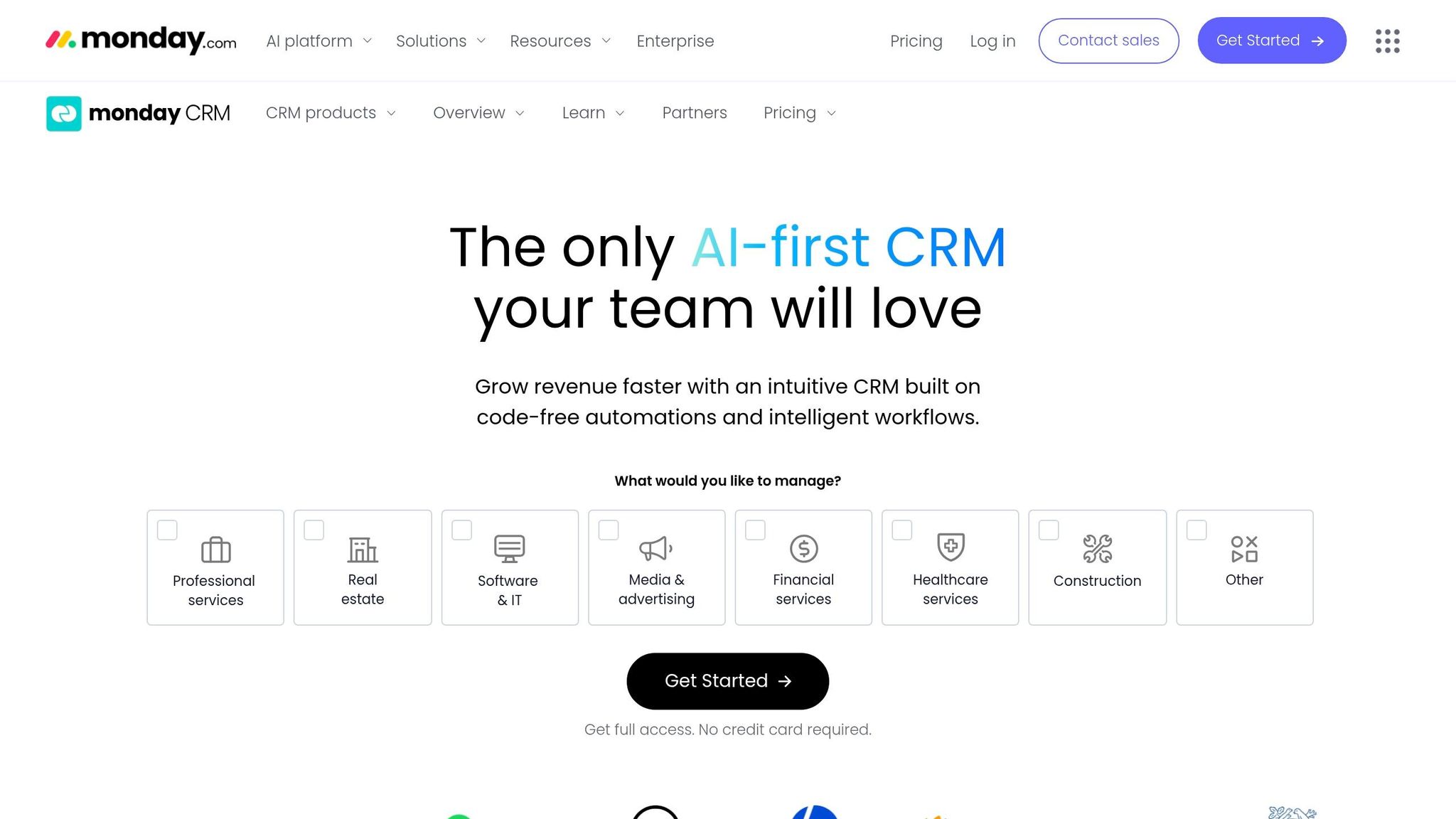
monday.com Sales CRM takes a different approach compared to most other tools. Instead of being a standalone CRM, it extends monday.com's broader Work OS platform into sales, making it a good fit for teams already using monday.com for project management. This integration allows sales pipelines to coexist within the same environment, offering a seamless experience for existing users. In the realm of AI-driven sales automation, monday.com stands apart by leveraging its project management roots rather than competing as a standalone CRM.
Automation Model
monday.com features a visual, template-based automation builder that requires no coding. Users can set up triggers and actions with a simple drag-and-drop interface. Its cross-board automation allows CRM events to trigger actions in other areas, such as automatically creating an onboarding project when a deal is closed-won [17]. However, the platform’s flexibility comes with a tradeoff: it takes 2–5 days to configure before it’s fully operational, which is slower than faster-deploying options like K3X or Pipedrive.
"Monday CRM works fine if your team already lives in Monday.com for project management... But the moment you need email sequences, call logging, sales forecasting, or even a free plan, you've outgrown what Monday's CRM was built to do." - David Paul, CRM Analyst at Best CRM Reviews [34]
Although monday.com's automation simplifies workflows, it still requires manual setup for each step. This contrasts with more advanced systems like K3X, which offer more dynamic, outcome-based automation.
AI Capabilities
In 2026, monday.com introduced several AI features to enhance its CRM. The AI Sidekick provides contextual summaries and suggests next steps, while the AI Email Composer drafts outreach messages. Additionally, AI Automation Blocks can detect sentiment and extract key details from incoming messages [17]. Other tools include an SDR Agent for autonomous lead qualification and AI Web Research, which enriches contact profiles with LinkedIn data and industry updates [10].
monday.com also launched its Model Context Protocol (MCP) server, enabling tools like Claude and ChatGPT to directly interact with CRM boards. However, the platform's AI remains rule-based, requiring users to predefine workflows. For example, users must manually configure steps like "book demo calls with unresponsive leads", unlike K3X's more flexible prompt-to-action model [4].
Pricing
monday.com enforces a three-seat minimum on all paid plans, which sets a price floor of about $36 per month, even for solo users or small teams [17]. This makes it less cost-effective for very small teams compared to options like Pipedrive or Close, which have no seat minimum.
Plan | Annual Price (per seat/mo) | Automations/Month | Key Features |
|---|---|---|---|
Basic | $12 | None | Unlimited boards, basic pipelines, 1,000 contacts |
Standard | $17 | 250 | AI Sidekick, 10,000 contacts |
Pro | $28 | 25,000 | Sales forecasting, email sequences, 100,000 contacts |
Enterprise | Custom | Unlimited | Advanced security, HIPAA compliance |
For example, a 5-person team on the Pro plan pays around $1,680 annually, which is far less than the $5,400–$6,900 yearly cost for HubSpot Professional at the same team size [17].
Best Fit Use Cases
monday.com Sales CRM works best for teams already using the Work OS platform. Its visual, low-maintenance interface is ideal for small to mid-sized teams that want a straightforward CRM without the complexity of tools like Salesforce. Shaik KB of WorkManagement Hub explains:
"Monday CRM is the best choice for SMB and mid-market teams who want a visual, low-overhead CRM without Salesforce complexity." [10]
However, it’s less suitable for teams that rely heavily on features like native telephony, advanced sales forecasting, or high-volume automated sequences. For these needs, purpose-built CRMs like Close or K3X are better equipped. Additionally, teams seeking more autonomous workflow adjustments may find monday.com's linear automation model restrictive.
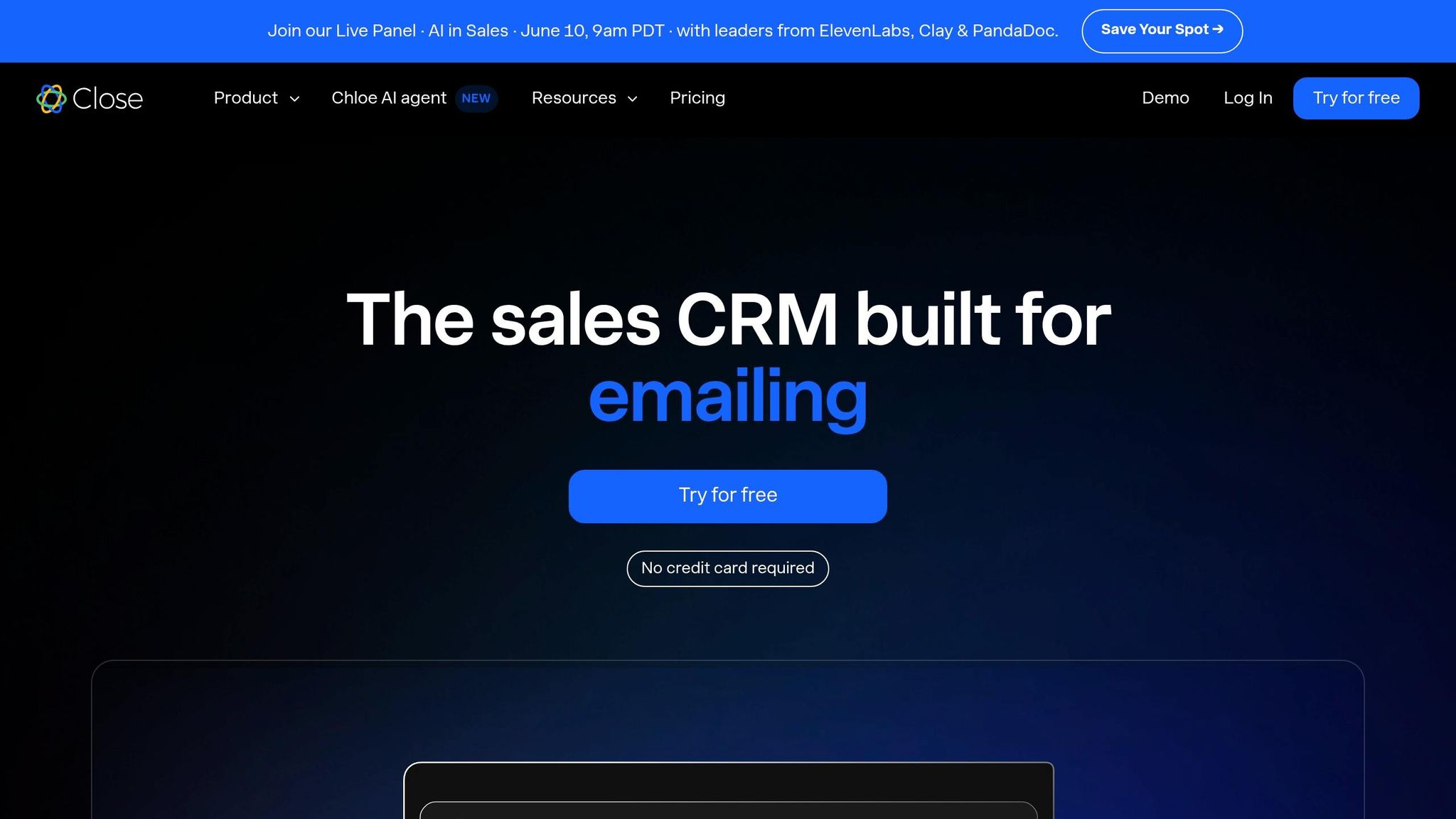
6. Close
Close is built specifically for inside sales teams focused on high call volumes. Unlike platforms such as HubSpot or Salesforce, which cater to marketing, service, and sales, Close zeroes in on sales execution. It holds a 4.7/5 rating on G2 from over 2,000 reviews [37], with users frequently highlighting its unified interface for managing calls, emails, and SMS.
Automation Model
Close employs an integrated sequence model through its "Workflows", which combine email, SMS, and call tasks into step-by-step sequences. Sales reps can set up fixed multichannel sequences (e.g., email on day 1, call on day 3, SMS on day 5), and Close automates the execution. While this approach simplifies processes, it relies on predefined steps rather than adjusting to lead behavior in real time. If a lead responds unexpectedly or skips a step, manual intervention is required.
Close also includes built-in Power and Predictive Dialers, which can increase call volume by 2–3x compared to platforms like HubSpot. This eliminates the need for third-party dialers such as Aircall or Dialpad, which often cost an additional $30–$100 per user/month [38]. Setup is self-serve and typically takes 2–5 days [35].
AI Capabilities
Close’s AI assistant, Chloe, enhances sales workflows by automating tasks like calling inbound leads, qualifying prospects, and booking meetings [18]. Chloe also manages call transcription, meeting summaries, and follow-up email drafts. Available starting with the $9/month Solo plan, Chloe offers features accessible to even small teams [36]. A built-in Model Context Protocol (MCP) server allows seamless data integration with tools like ChatGPT, Claude, and n8n without requiring middleware like Zapier [36].
While Chloe supports transcription and drafting tasks, it doesn’t autonomously adjust follow-up strategies or reroute outreach based on lead behavior, a capability seen in AI-native platforms like K3X [4][36]. Voice AI features are also planned for broader release in Spring 2026 [36].
Pricing
Close’s straightforward pricing model eliminates seat minimums, making it an attractive option for smaller teams. This contrasts with platforms like monday.com, which require at least three seats.
Plan | Price (per user per month, billed annually) | Key Features |
|---|---|---|
Solo | $9 | 1 user, 10,000 leads, core CRM, 500 AI credits |
Essentials | $35 | Unlimited leads, team collaboration, 1,000 AI credits |
Growth | $99 | Power Dialer, automated workflows, bulk email, 1,500 AI credits |
Scale | $139 | Predictive Dialer, call coaching, role-based permissions, 2,000 AI credits |
For perspective, a 3-person SDR team using Salesforce Enterprise, including dialers and admin costs, can total approximately $2,040/month, whereas the same team on Close Growth costs about $297/month [38]. Close also offers a startup program that can reduce first-year costs by 30–60% for teams with under $2 million in funding [35].
Best Fit Use Cases
Close is ideal for inside sales teams of 5–30 reps focusing on high call volumes and straightforward automation. It’s particularly well-suited for teams running outbound strategies where dials and connections are the key metrics [36]. As Steli Efti, CEO and co-founder of Close, explains:
"Close will never become a platform. We don't want to be HubSpot or Salesforce. We want to be the best inside-sales CRM in the world." [35]
However, teams needing advanced marketing automation, EU data residency, or more robust reporting might find Close limiting as they scale. In such cases, AI-native platforms like K3X offer more dynamic lead routing and follow-up management without requiring manual adjustments to sequences.
7. Attio
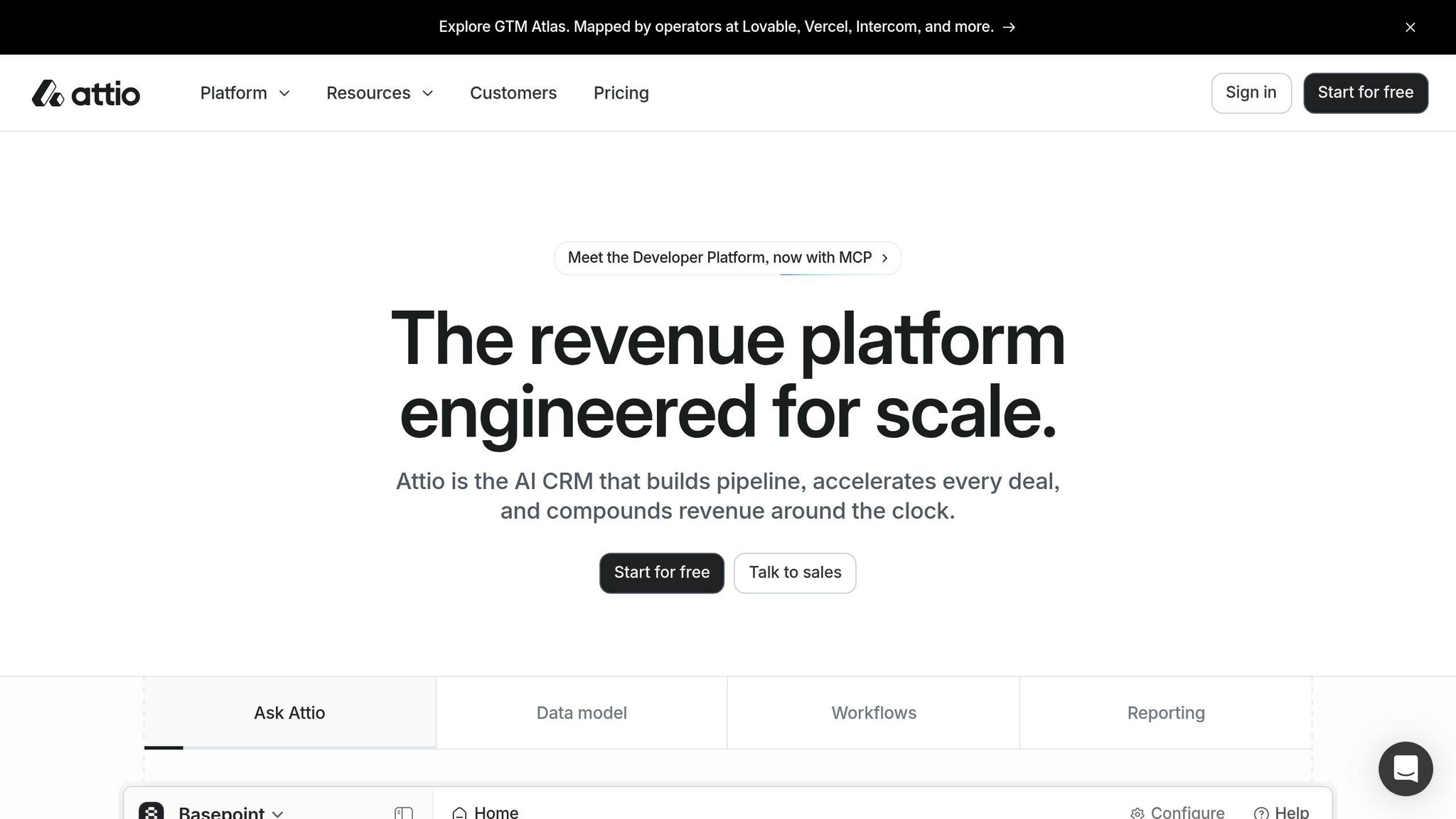
Attio is a CRM designed with AI at its core, catering primarily to technical founders and early-stage B2B teams that need adaptable data modeling. It holds a 4.4/5 rating on G2 from 281 reviews as of March 2026, with 93% of reviewers giving it 4 or 5 stars. Most of its user base consists of small teams, with 219 reviews coming from companies with fewer than 50 employees [40].
Automation Model
Attio breaks away from the rigid contact–company–deal structure of traditional CRMs. Instead, it uses a graph database where every record is treated as an object. Users can create custom objects - like Workspaces, Investors, or Approvers - and define multi-directional relationships between them. For instance, a Series A fintech firm replaced Salesforce with Attio to set up a regulated deal flow and complete pipeline reporting in just one afternoon [39].
Automation in Attio operates through a credit system. The Plus plan includes 1,500 monthly automation runs, while the Pro plan expands this to 10,000 [42]. Teams must monitor their credit usage closely to avoid disruptions mid-quarter. This flexibility makes Attio a strong alternative to legacy CRMs like Salesforce and HubSpot, aligning well with the growing shift toward AI-driven, action-oriented models.
AI Capabilities
Attio integrates AI directly into its data layer, streamlining tasks like data enrichment. Its AI Attributes feature can automatically populate fields and columns based on prompts, cutting down on manual data entry - a task that typically consumes about 17% of a sales rep's work week [43]. Additionally, the AI Research Agent acts as a native workflow step, pulling web signals about prospects without needing external enrichment tools.
The platform also offers the Ask Attio interface, allowing users to query records and make updates in plain language. A hosted MCP server extends Attio's functionality to external AI tools like Claude, ChatGPT, and Cursor [42][43]. On G2, Attio's "Product Direction" score is 9.4 out of 10, surpassing HubSpot's 8.7, reflecting strong user confidence in its AI roadmap [40].
While Attio excels in data enrichment - auto-classifying records, detecting signals, and conducting research - it does not autonomously adjust follow-up sequences. As Abhishek Singla, Founding GTM Engineer at Peec AI, puts it:
"The real split in 2026 is this: HubSpot fits when you need marketing automation... Attio fits when your data model is unique." [39]
Pricing
Attio provides a free tier for early-stage teams, offering 3 seats and 50,000 records. Paid plans range from $29 to approximately $119 per user per month (billed annually).
Plan | Price (per user/month, billed annually) | Key Features |
|---|---|---|
Free | $0 | Up to 3 seats, 50,000 records, 3 objects |
Plus | $29 | Unlimited seats, 5 objects, 1,500 automation credits |
Pro | $69 | 12 objects, 10,000 automation credits, sequences, call intelligence |
Enterprise | ~$119 | Unlimited objects, SAML/SSO, advanced permissions |
Monthly billing adds about 20% to these rates. Compared to HubSpot's Pro tier - often exceeding $100 per seat plus onboarding fees - Attio's Pro plan at $69 per seat offers a more budget-friendly choice for teams that don't need HubSpot's full marketing suite [41].
Best Fit Use Cases
Attio works best for technical, early-stage teams such as PLG SaaS companies, VC-backed startups, and marketplace businesses that require flexible data models [41]. Doug Camplejohn, CEO and Co-Founder of Coffee, notes:
"Attio suits startups from 5 to 50 employees with flexible data modeling and lower pricing... while HubSpot serves 10 to 500 employee teams." [44]
This highlights a broader trend of smaller teams moving away from more rigid systems like HubSpot in favor of agile, AI-powered tools. Attio is particularly appealing to teams needing customizable workflows without the complexity of traditional CRMs.
However, Attio's modular design and limited native integrations are worth noting. It lacks features like a native email builder, landing pages, or a customer service module, often requiring third-party tools such as Customer.io or Intercom to fill the gaps. With only 86 native integrations compared to HubSpot's 2,000+, teams with complex tech stacks should evaluate their needs carefully. Attio is generally recommended for teams with up to 50 employees or $5 million in ARR; beyond this scale, the integration challenges might make a more unified platform a better fit [42].
Pros and Cons of Each Platform
Each platform has its strengths and weaknesses, offering different benefits depending on the needs of your sales team. The table below outlines the key advantages and drawbacks of each tool, based on user feedback, pricing, and performance data.
Platform | Pros | Cons |
|---|---|---|
K3X | AI-driven, action-focused automation; no workflow setup needed; quick installation; flat $20/seat pricing with 1,000 AI credits included [4] | Limited third-party integrations compared to older CRMs; AI credit usage could raise costs for high-volume teams [4] |
Salesforce | Highly customizable; over 4,000 AppExchange integrations; enterprise-grade automation with Agentforce AI; trusted by 90% of Fortune 500 companies [7] | Low SMB adoption rate (43%); high implementation costs and administrative demands - see full cost breakdown in the Salesforce section [6][12] |
Pipedrive | Intuitive visual pipeline; 84% user adoption rate; quick setup (2–3 days); no onboarding fees required [6][12] | No free plan; limited built-in marketing automation; basic reporting compared to enterprise platforms [1] |
Zoho CRM | Offers about 80% of Salesforce's features at around 20% of the cost; includes Zia AI and a 50+ app ecosystem [7] | Outdated and cluttered interface; steeper learning curve; slower customer support response times [8][9] |
monday.com Sales CRM | Easy-to-use interface for teams already using monday.com; links sales and project workflows; affordable at $12/seat [30] | Less mature CRM functionality; requires a minimum of 3 seats; weaker pipeline tools compared to specialized sales platforms [30] |
Close | Integrated power dialer, SMS, and VoIP; designed for fast-paced outbound sales; includes AI call summaries [28] | Limited inbound lead management; reporting focuses on activity rather than revenue; higher per-seat costs for larger teams [5][28] |
Attio | Flexible data model; sleek Notion-like interface; free for up to 3 users; strong AI features like AI Attributes and Ask Attio [3][42] | Only 86 native integrations versus HubSpot’s 2,000+; best for small teams (under 50 employees or $5M ARR); lacks email builder and customer service tools [42] |
Some clear trends emerge here. Platforms like Salesforce offer extensive capabilities but come with higher costs and complexity. In contrast, tools like K3X and Attio prioritize simplicity and AI-driven automation, making them more accessible for smaller, agile teams. For instance, Salesforce's total cost of ownership can be 2–3 times the list price once you factor in implementation, administrative salaries, and additional tools [5].
Adoption rates also play a critical role in ROI. Research shows a strong correlation (0.87) between adoption rates and revenue per sales rep [12]. Tools like Pipedrive (84% adoption) and HubSpot (89%) succeed by focusing on usability, while Salesforce’s 43% adoption rate among SMBs highlights potential challenges for smaller teams.
For cost-conscious teams, Zoho CRM stands out as a budget-friendly option, costing roughly 17% of HubSpot Professional for a 10-user team [7]. Still, evaluating costs over an 18-month period - not just the initial pricing - is essential when choosing a platform. These comparisons underline why AI-driven solutions like K3X may be better suited for fast-moving sales teams looking to balance efficiency and affordability.
Conclusion
Selecting the best HubSpot alternative in 2026 hinges on your team's specific needs, budget, and workflow preferences.
For instance, Pipedrive suits small to medium-sized teams looking for an affordable and straightforward pipeline management tool. Zoho CRM offers a strong blend of marketing and sales integration at a lower cost. Close is tailored for outbound teams, featuring a built-in power dialer that can double or triple daily activities. For large enterprises with intricate requirements, Salesforce remains a top choice, although its total cost of ownership can be 2–3 times higher after implementation [5]. Meanwhile, early-stage startups may find Attio's free tier and flexible data model particularly appealing.
Each option caters to distinct needs, but some alternatives challenge traditional efficiency models. AI-native platforms like K3X bring a transformative approach to CRM. By relying on plain-language prompts to drive results, K3X eliminates the need for complex workflows. As CEO Mykyta Samusiev explains:
"K3X is the first CRM that runs on prompts. You tell it the outcome. The system figures out the work." [4]
With a flat $20 per seat pricing and AI-driven functionality, K3X aims to cut down administrative tasks and speed up sales processes.
Industry analyst Vantage Point offers a compelling perspective:
"The CRM you choose in 2026 isn't just a software purchase. It's an AI strategy decision." [2]
When deciding on a CRM, consider the features, pricing, and how quickly your team can adopt and benefit from the platform.
FAQs
Which CRM is easiest to switch to from HubSpot?
For teams looking to move away from HubSpot, Pipedrive and Freshsales stand out as strong alternatives. Pipedrive emphasizes a pipeline-focused design that's easy to navigate and requires little initial configuration. Freshsales, on the other hand, is designed with simplicity in mind, allowing teams to begin using it effectively in as little as one day. That said, CRM migrations generally take 4–8 weeks to complete, ensuring data accuracy and workflows are properly aligned.
How do I estimate total CRM cost beyond seat pricing?
To get a clear picture of total CRM costs beyond just seat pricing, you need to account for several additional expenses:
Implementation fees: Setting up a CRM can vary widely. For instance, HubSpot charges between $1,500 and $3,500, while Salesforce implementations can range from $5,000 to as much as $50,000.
Ongoing admin costs: Maintaining the system often requires a dedicated administrator or tech support, which can cost between $70,000 and $110,000 per year.
Hidden fees: Be mindful of extra costs like license minimums, limits on automation, or expensive add-ons such as Salesforce's AI features.
Training time: More complex platforms may require weeks of onboarding, which can delay your return on investment.
Factoring in these elements ensures you have a realistic understanding of CRM expenses.
What sales automation features actually need AI?
AI plays a crucial role in sales automation by handling repetitive tasks and managing intricate deal processes. Here are some key applications:
Automating data entry: Platforms like K3X automatically record emails, calls, and updates, freeing up sales reps to focus on closing deals.
Maintaining deal momentum: AI helps by triggering timely follow-ups and dynamically updating deal statuses to keep progress on track.
Providing actionable insights: AI identifies priority deals and recommends the next best steps, ensuring teams remain efficient without needing to manually sift through data.